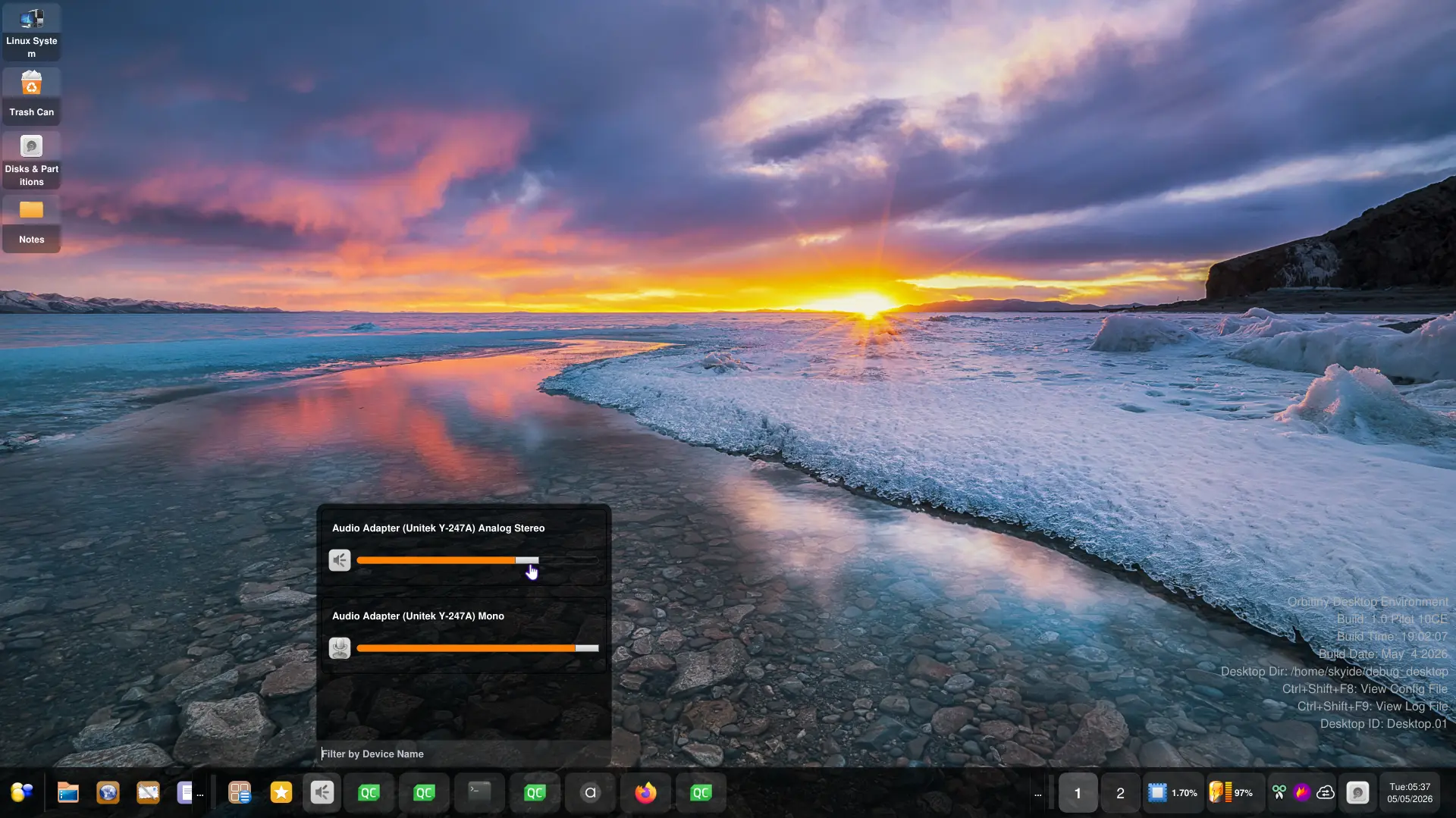
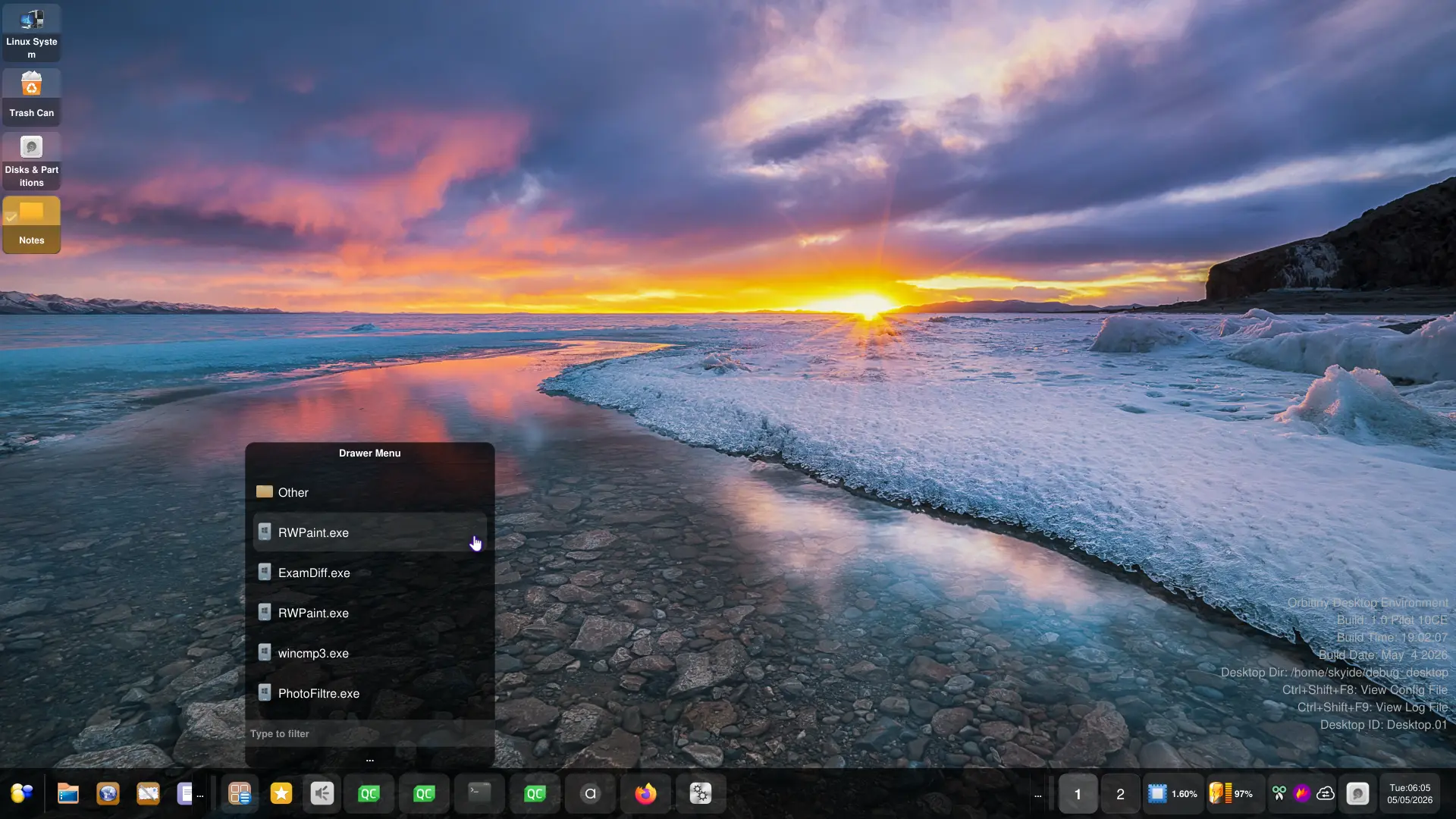
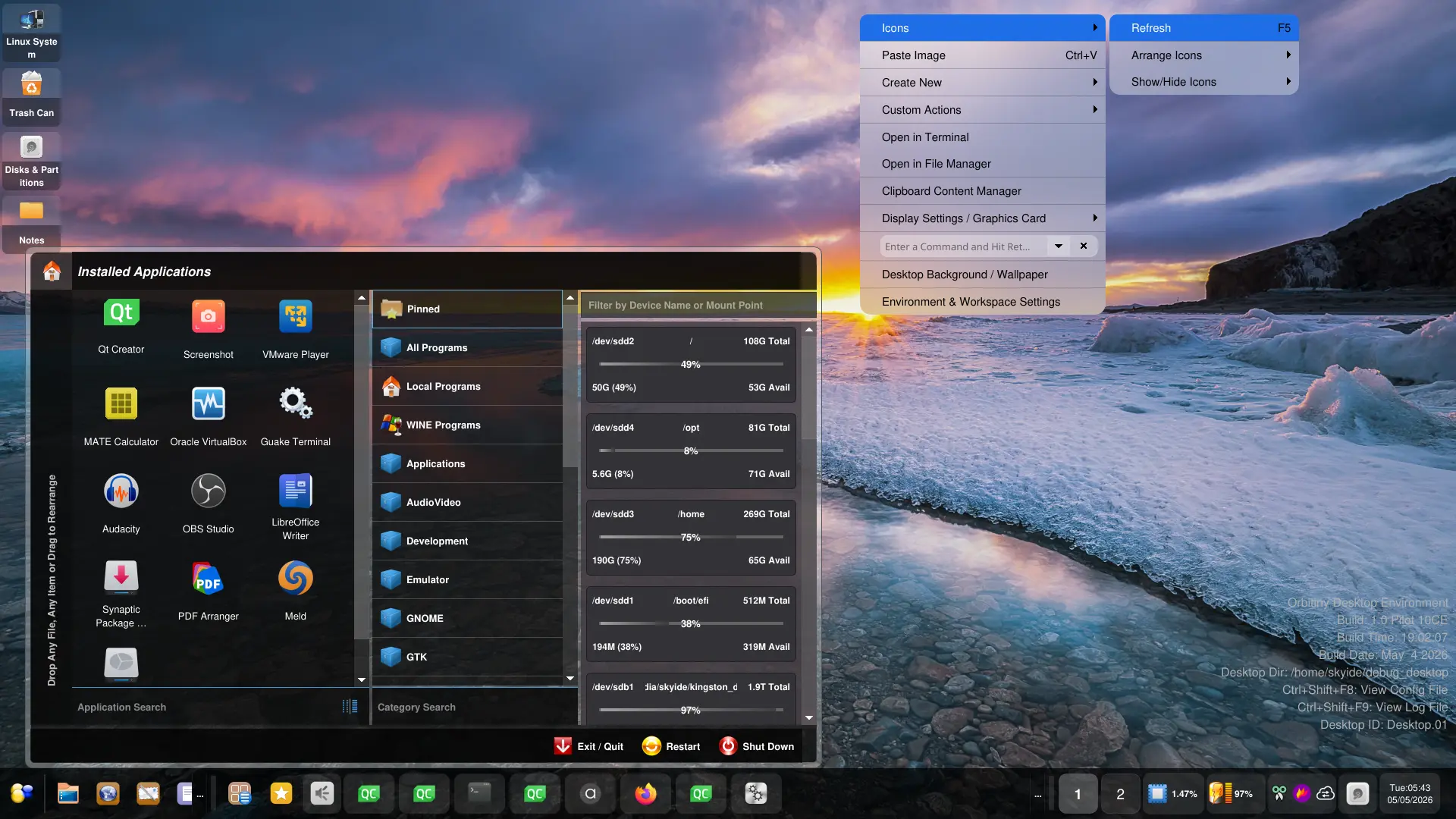
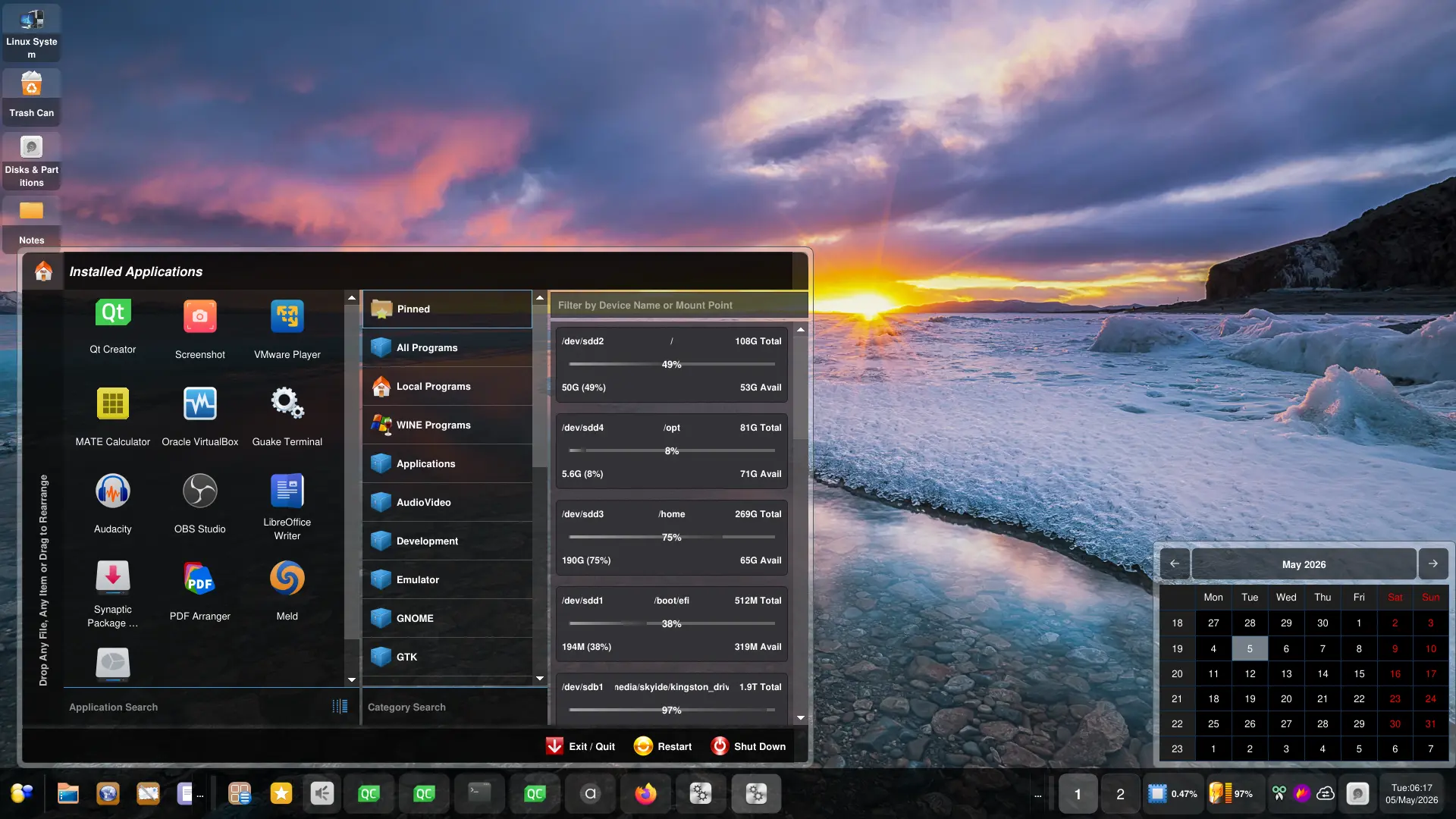
In the previous post, some sections weren’t done, now they are. Here is how the new audio, drawer and calendar menus look. Also, I said previously that the SysTray appearance has been improved so in these panel screenshots, I have integrated it so that it shows all icons for you to see.
About the Drawer Menu, I’ve intentionally added a bunch of Windows .exe program files to demonstrate (for those that don’t know) that Orbitiny has a native Wine support. Just click the exe program file and it launches as if it’s running on Windows. How well it will run, that depends on Wine, of course but the ones I have shown in the screenshot, run near perfect (based on the functionalities that I have tested).
Also, as you can see, both themes, Acrylic Future and Glass Future go along quite nice. The context menus use the Acrylic Future theme but everything else uses Glass Future.
More updates are coming.