
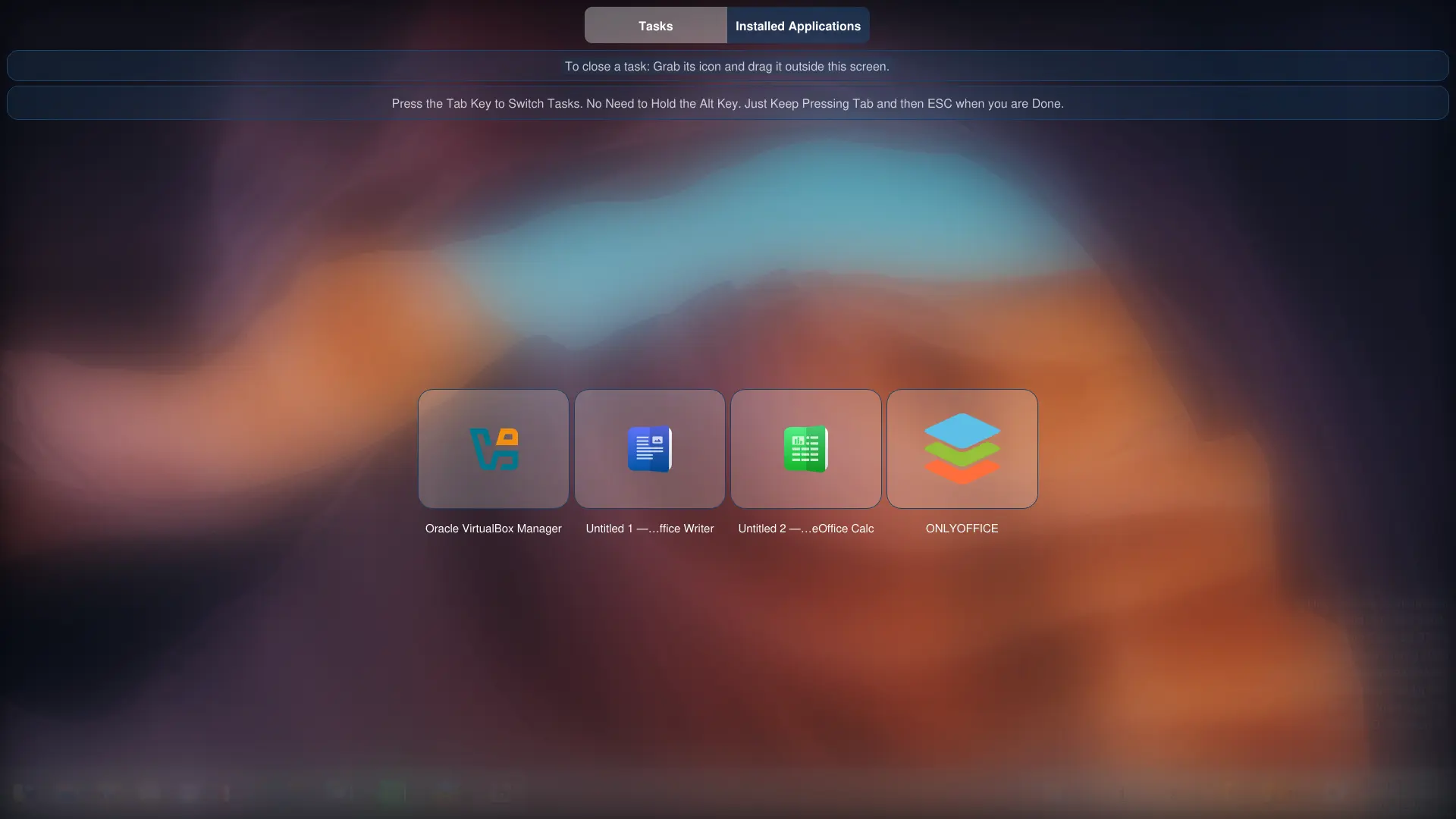
First, let me start off with the acrylic dashboard:
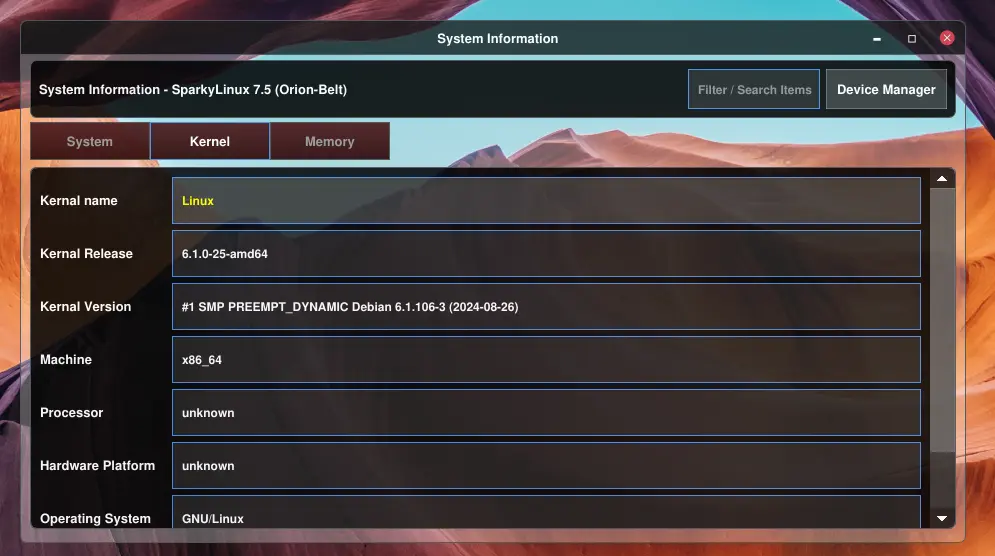
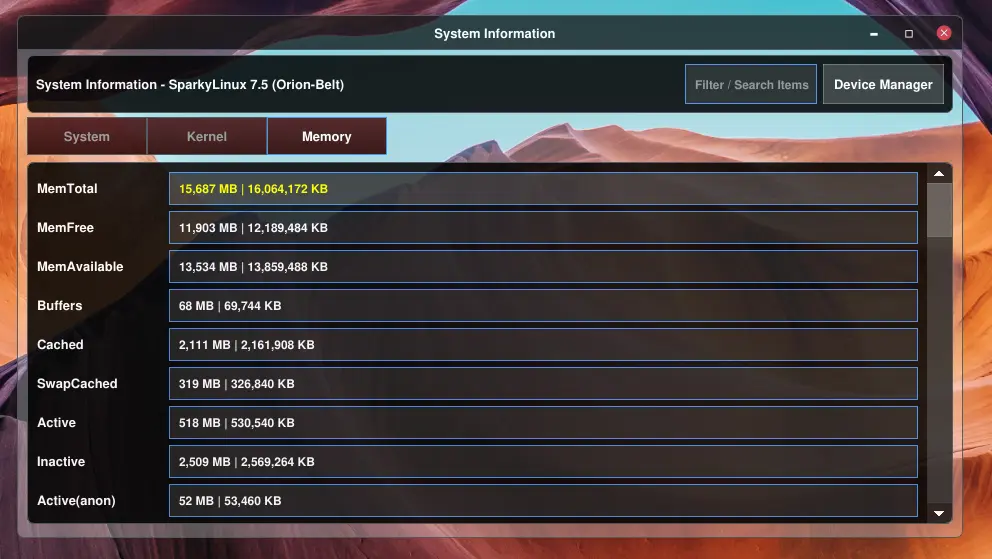
Here is a completely redesigned System Information Tool that comes with the Qutiny file manager (which will too be spun off into a separate application). About this, what can I say, I like modules (both hardware and software), or separate applications (in terms of software) that don’t interfere with the main process in case of a crash. Orbitiny here shines.
Anyway, back to theming, I really like this new theme below! It’s very unique, and looks so futuristic. I might name this theme, simply, “Future” (it reminds of iRobot):
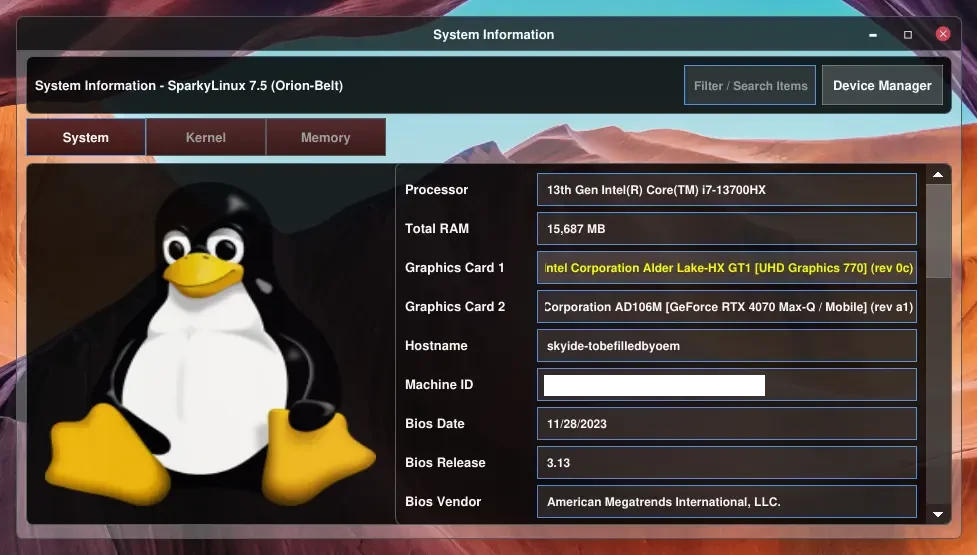
Internally I call it “glass”. The machine ID above has been deliberately censored.
More screenshots below:
Here is the File Properties dialog using this new same theme:
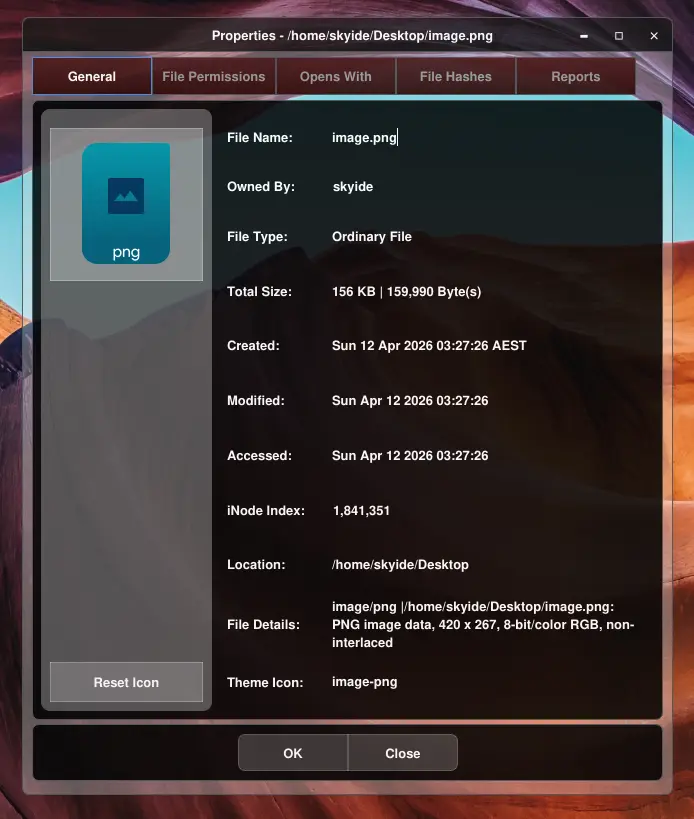
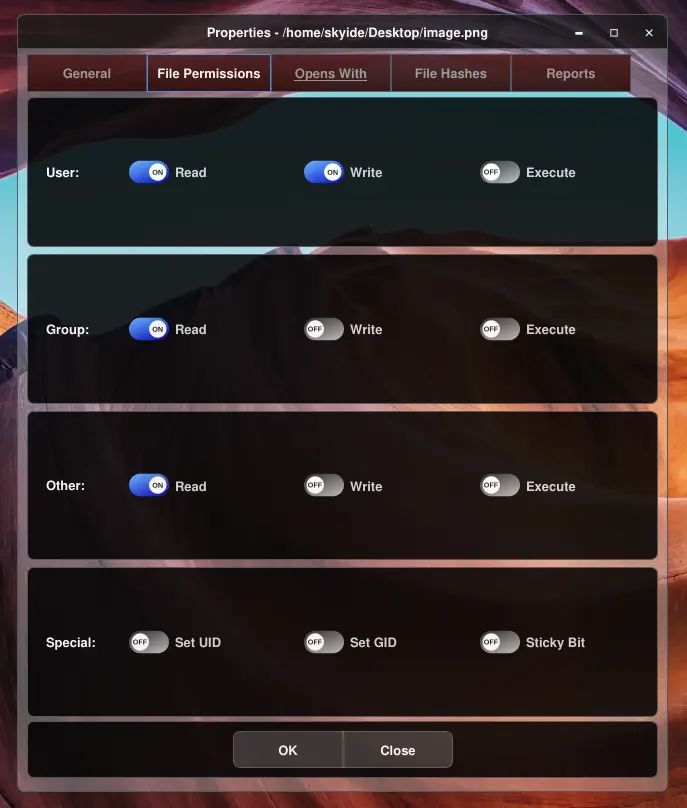
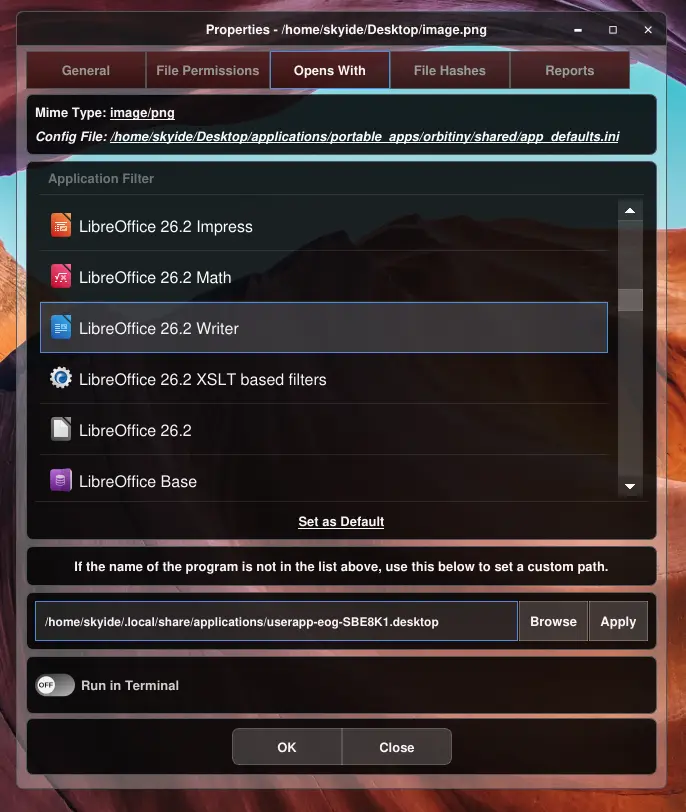
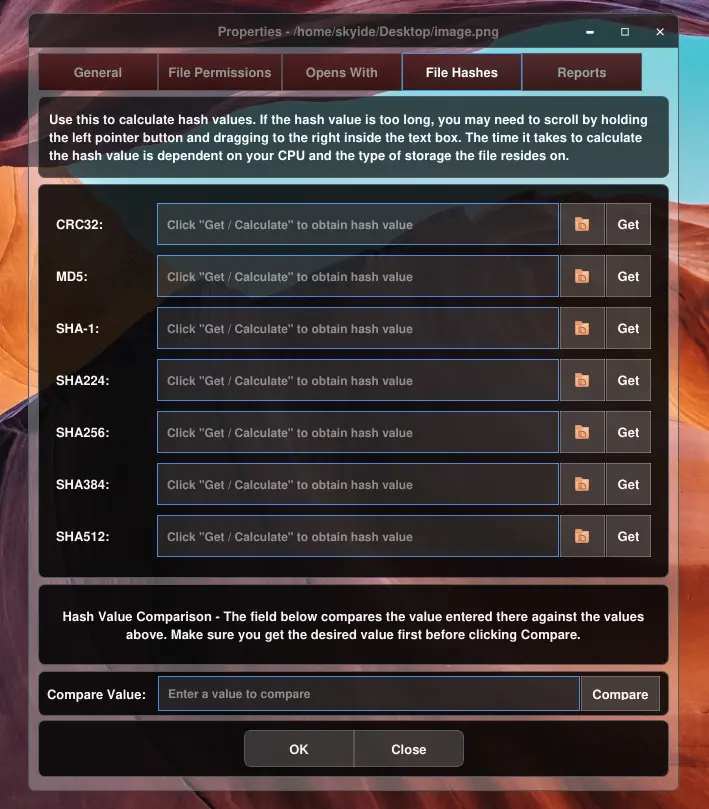
Application Menu Properties:
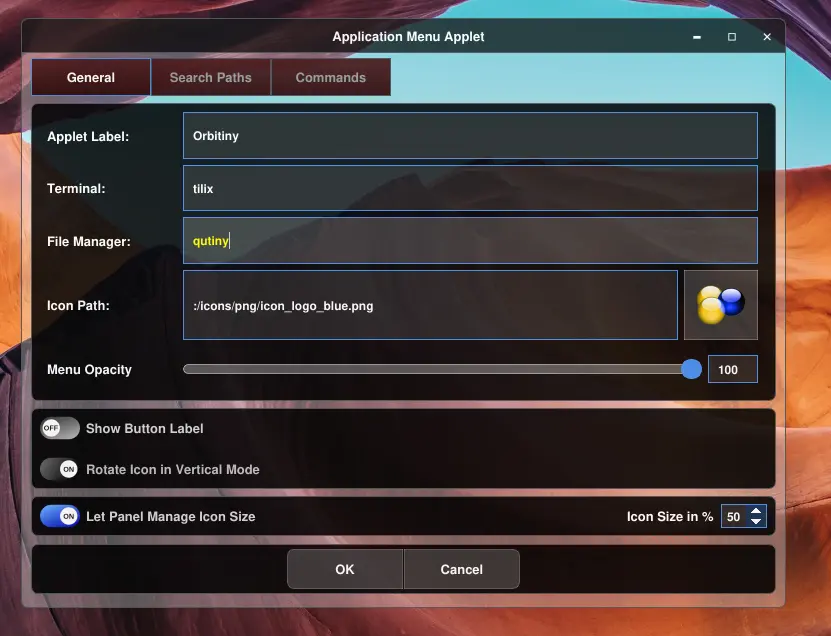
As you can see, everything looks the same and is dynamic! No more hard coded CSS, it’s gone, done and dusted, fixed forever (several more application to go).
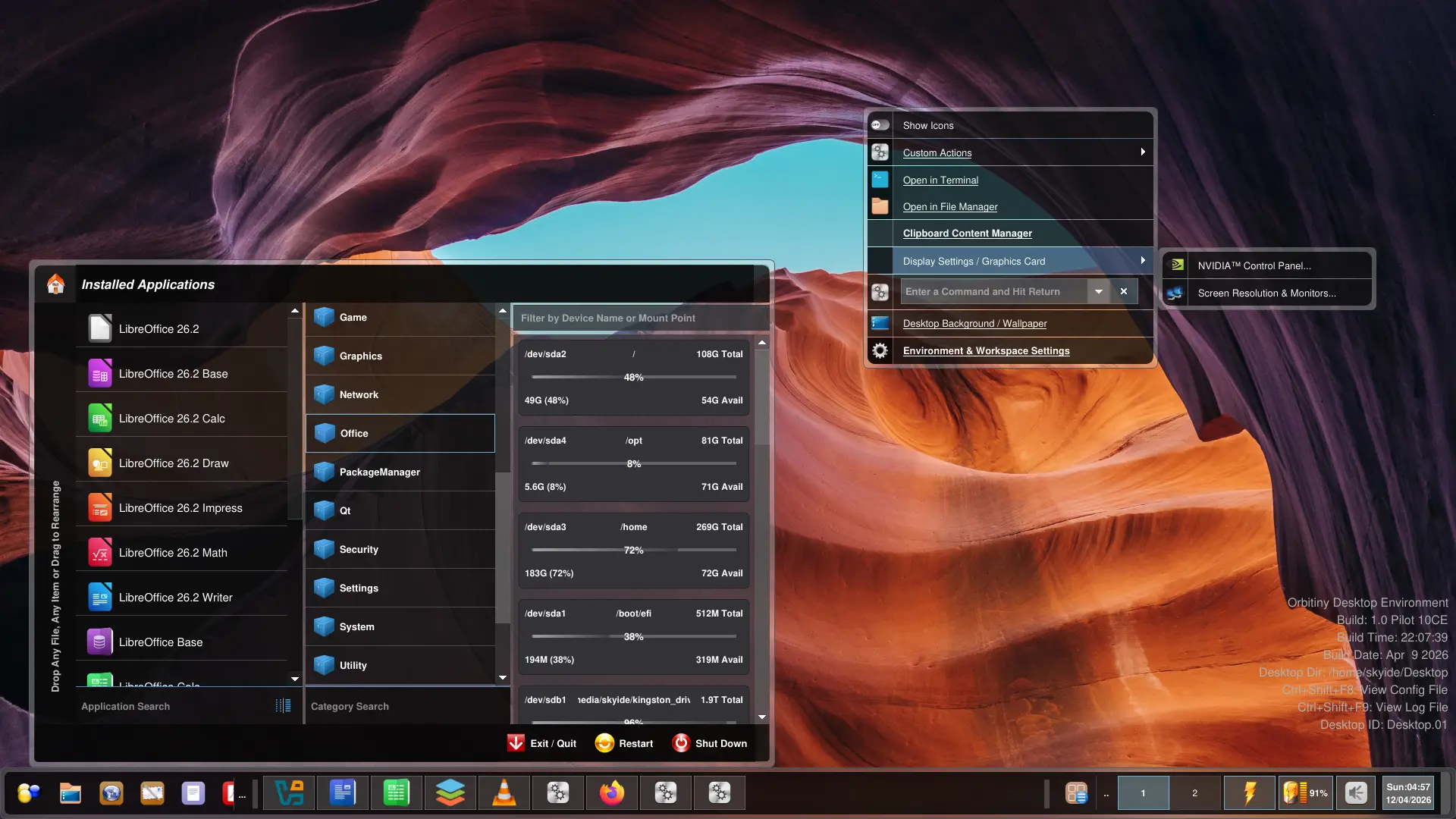
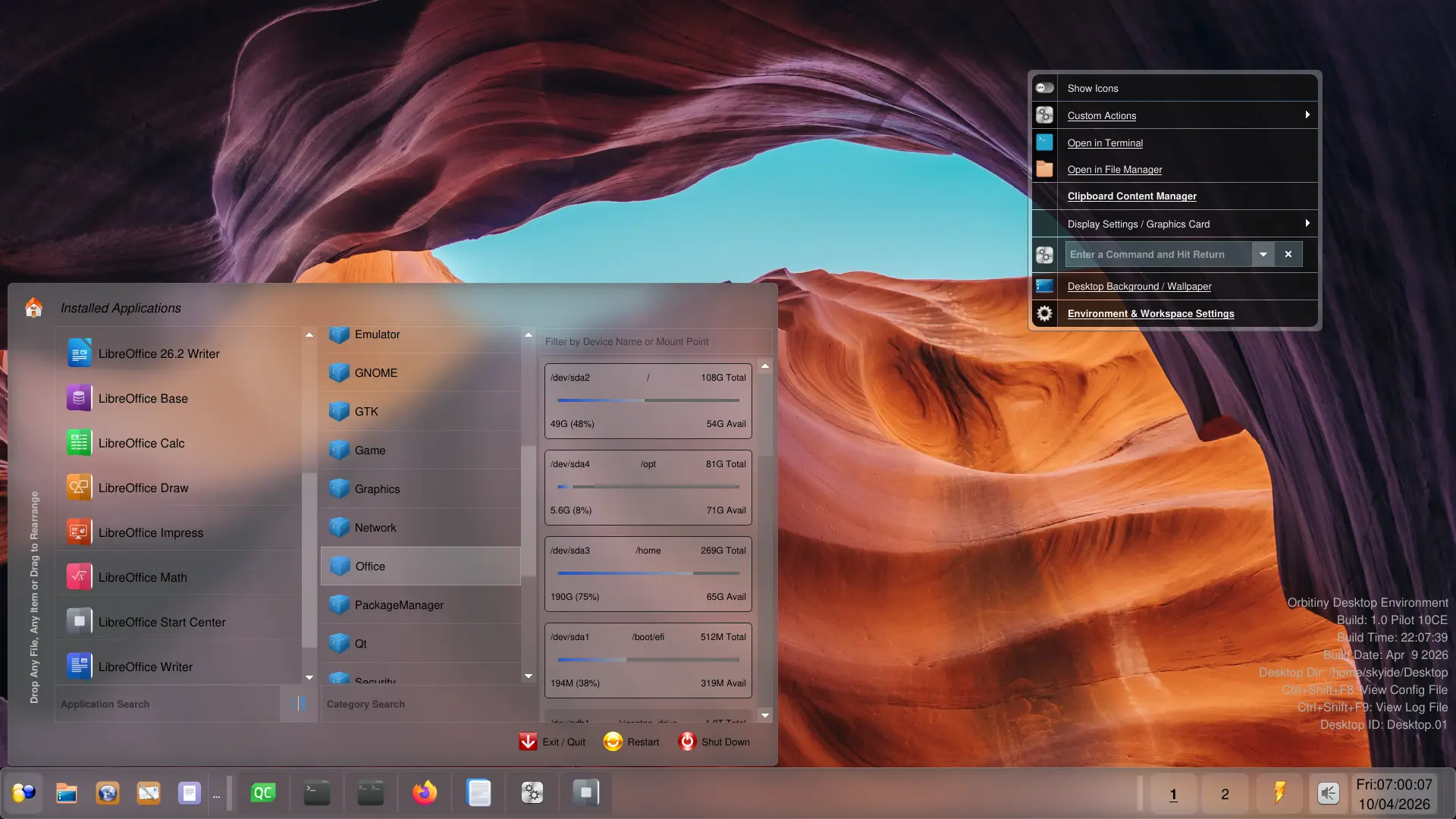
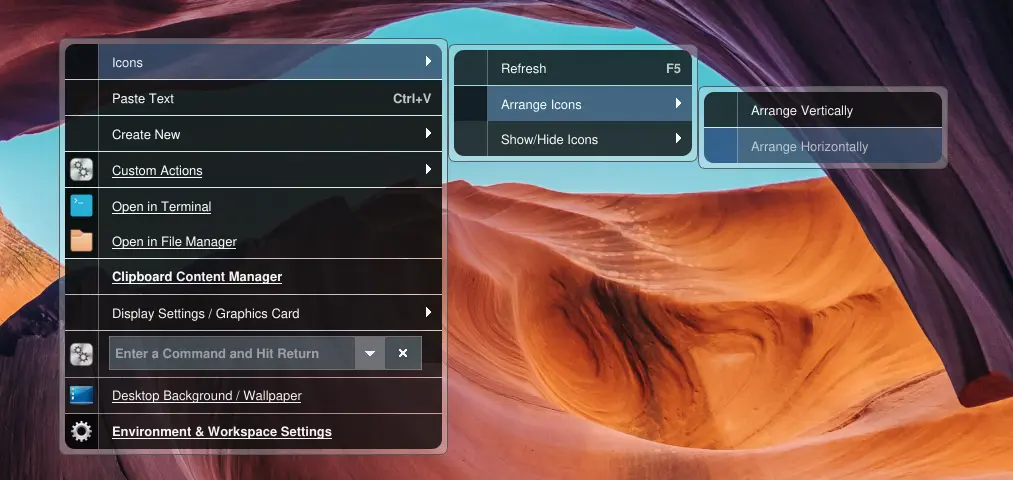
Again, this is work in progress and some things may change.
Orbitiny Pilot 11 is going to me an amazing release.
Also, I have fixed a massive Drag&Drop issue (that annoyed me big time), this time with the task buttons. Now, it works every time without a hitch.
Here is that taskbar again 🙂

Also, about the acrylic theme, I will introduce more color options. There is also that other one I have shown before, I call that “tropical” due to warm colors. Right now, I am just focusing to get all applications receive the new theming API.
I am definitely creating an aquatic one (that’s my favorite), I am just first testing it with other colors that other OSes use. The one in the screenshot is at rgba(150, 150, 150, 50%) so I will do some mixing soon 🙂
More updates are coming!