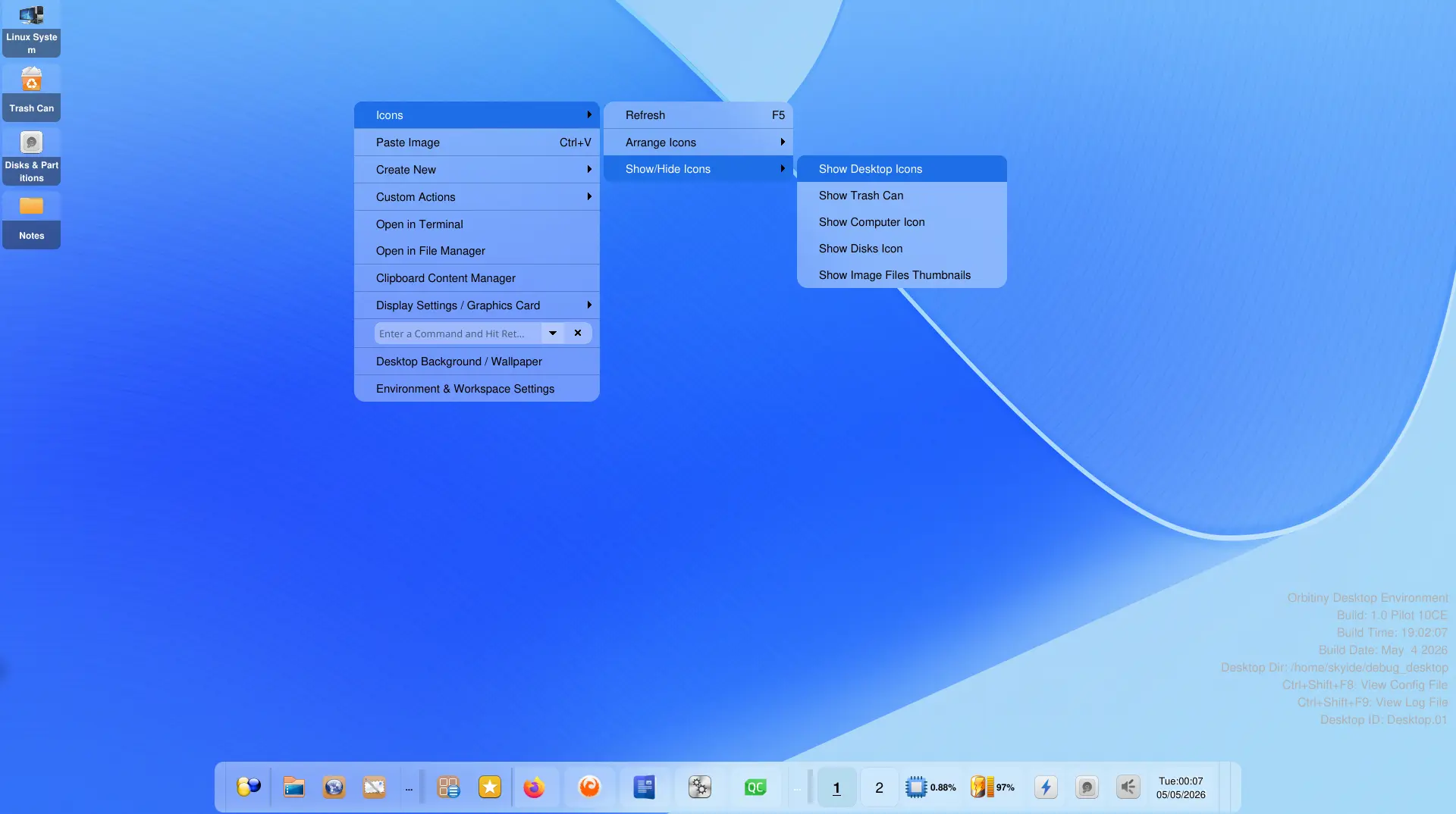
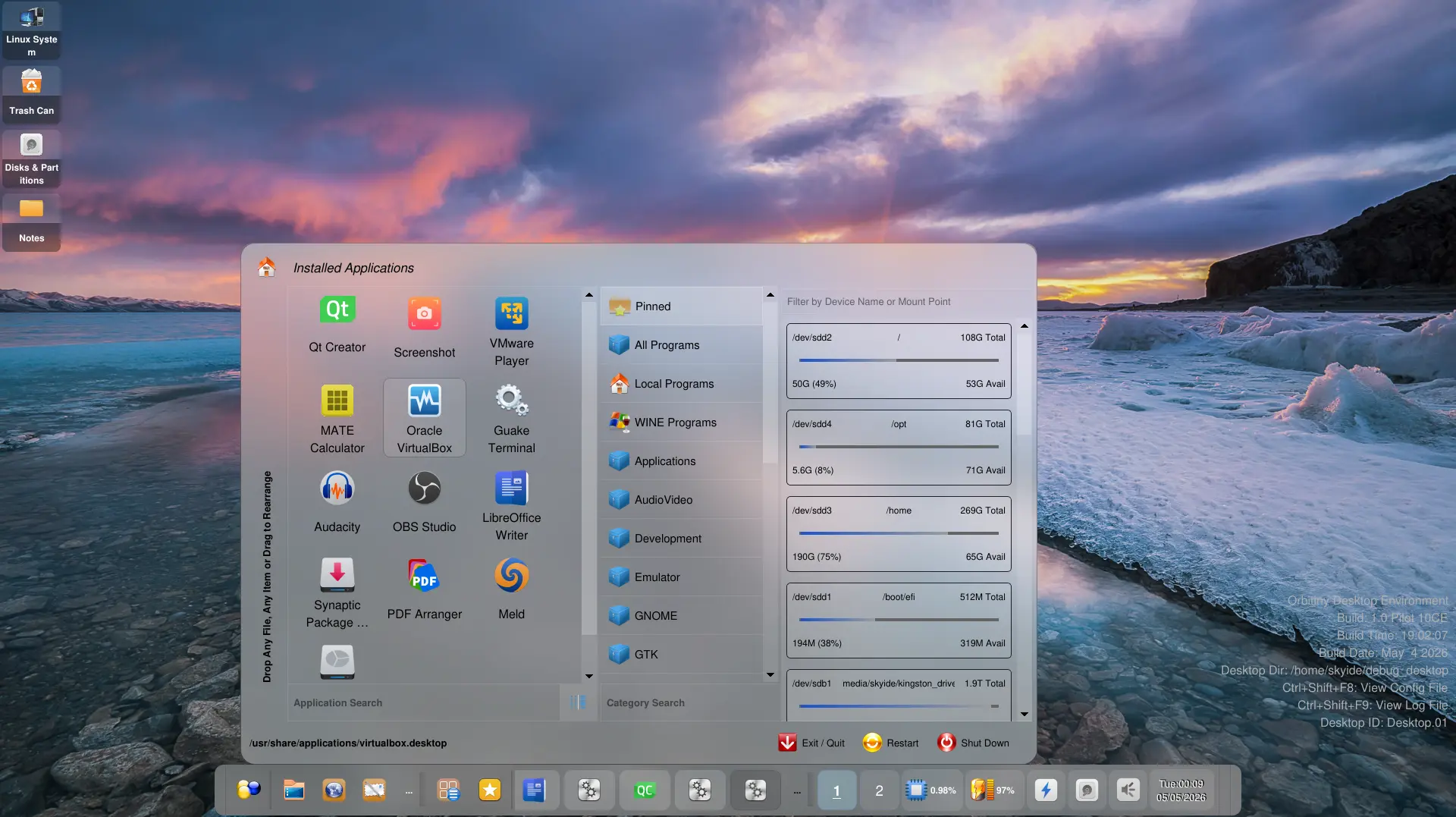
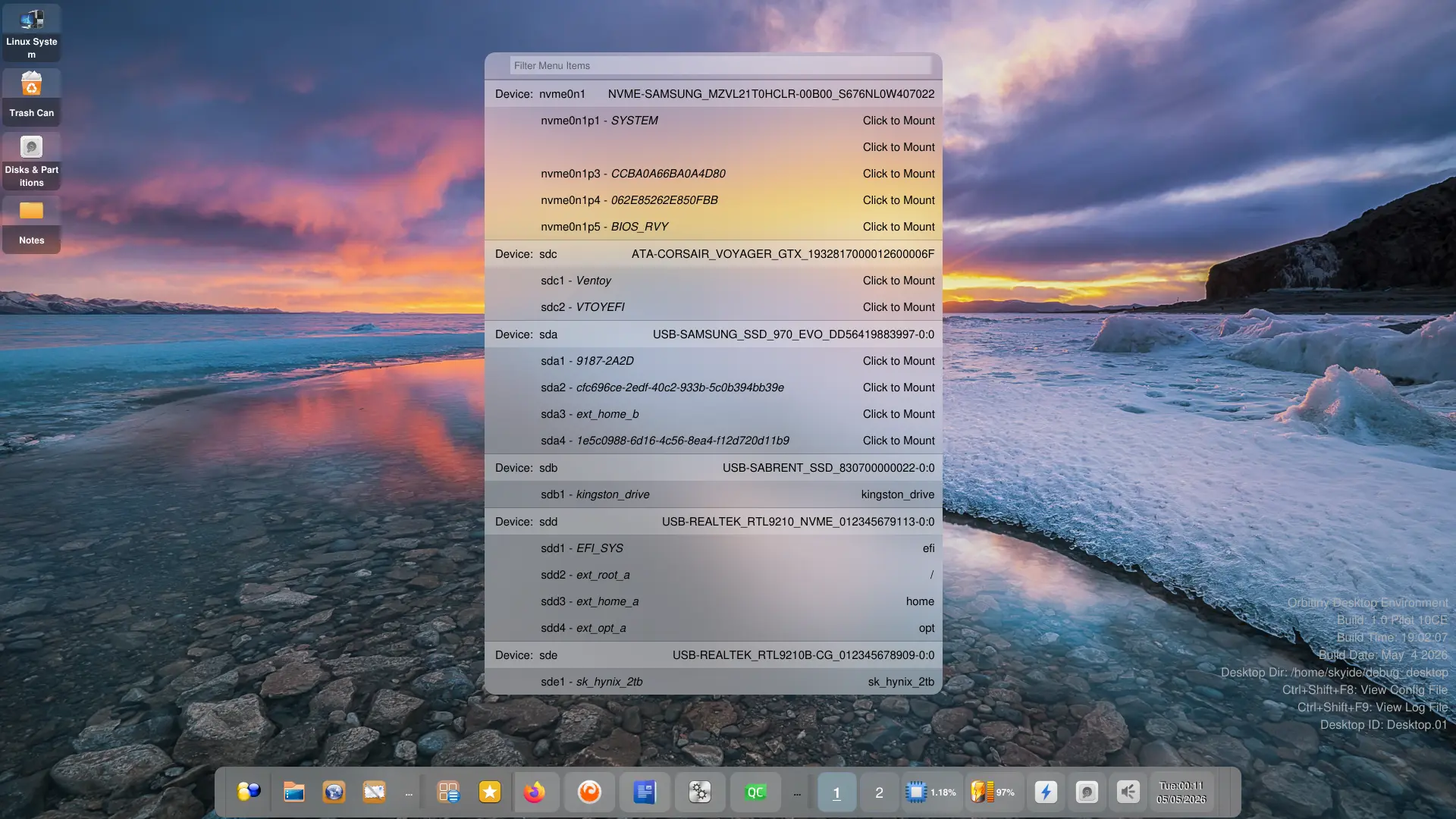
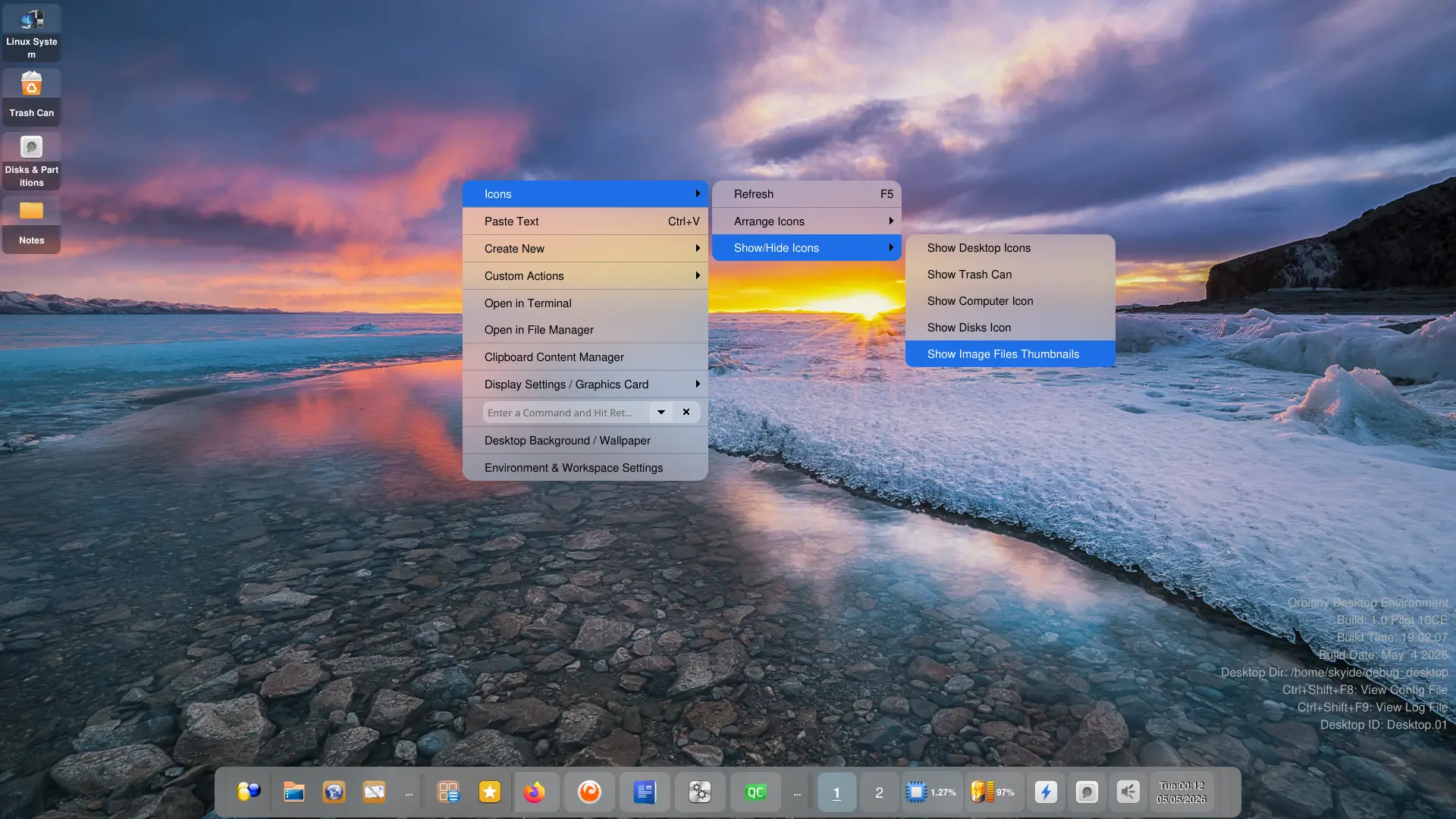
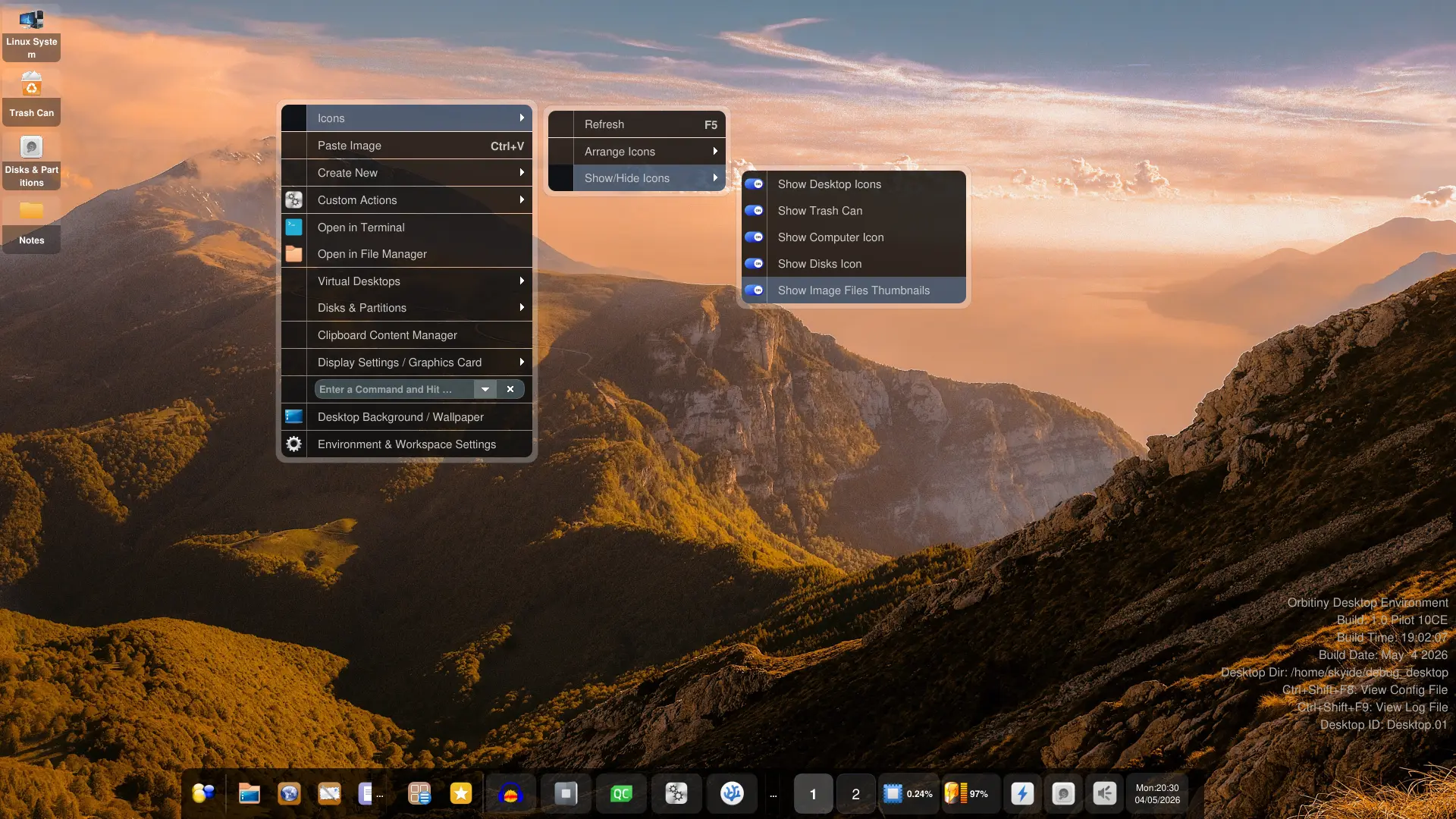
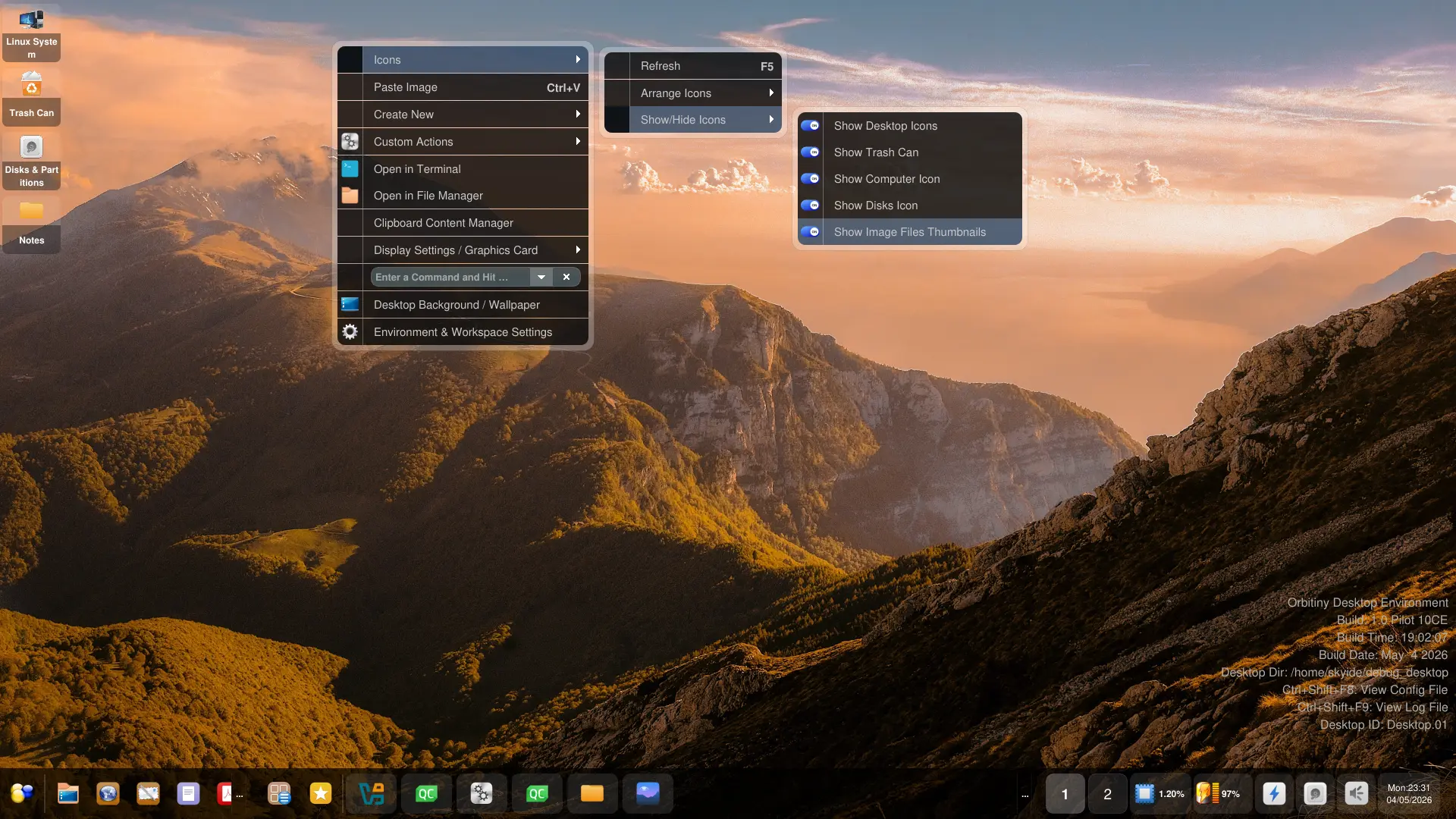
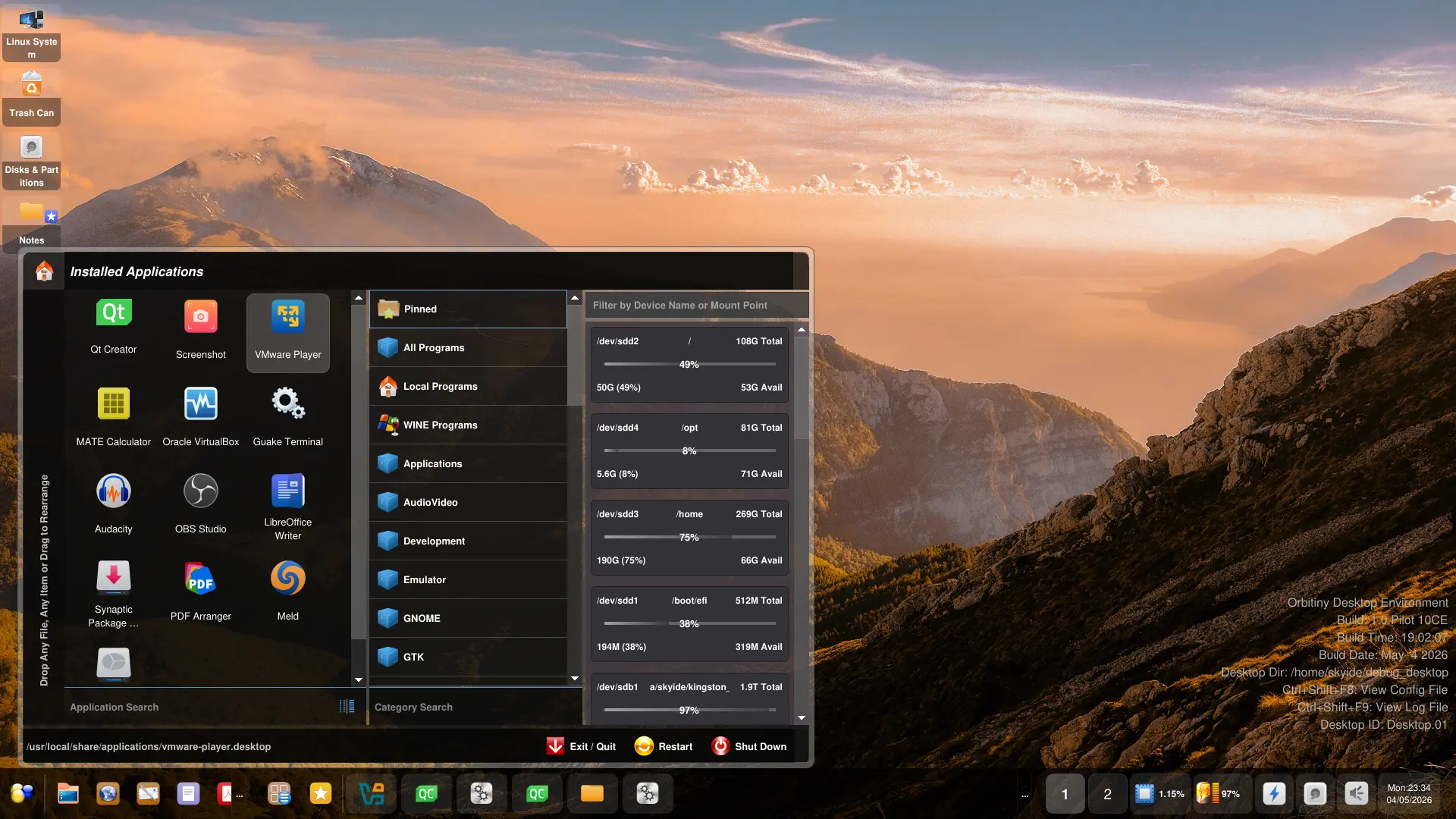
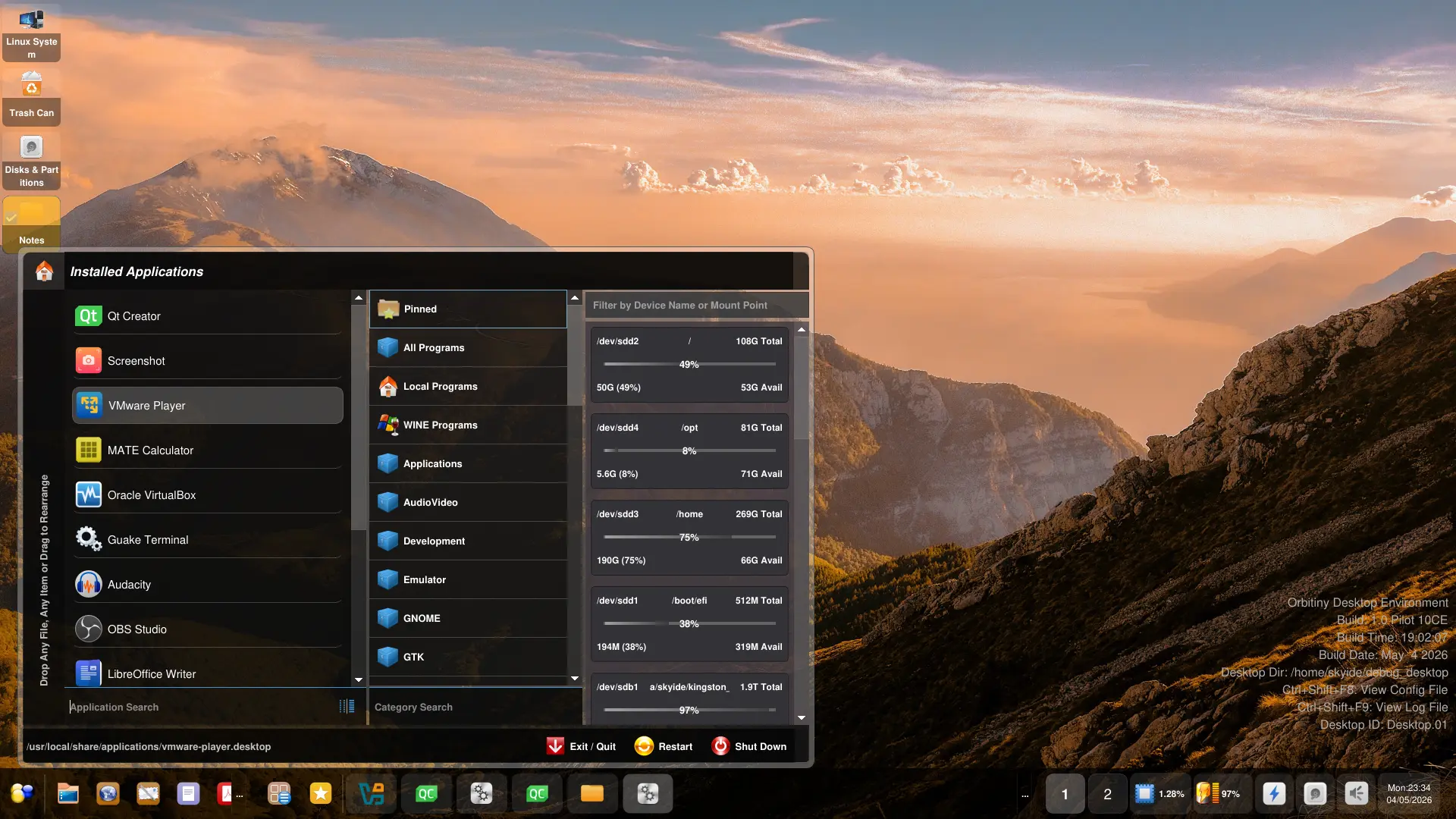
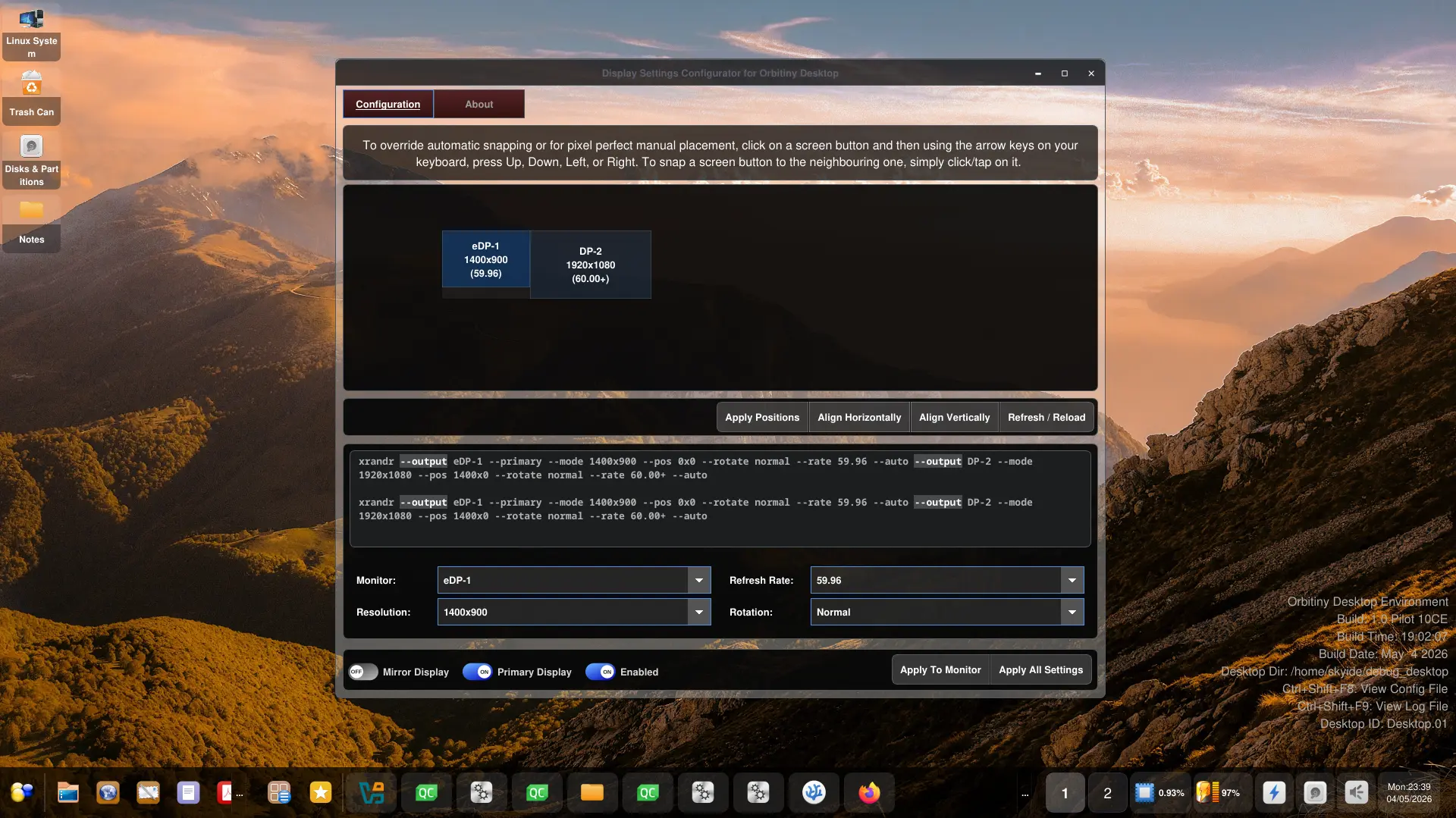
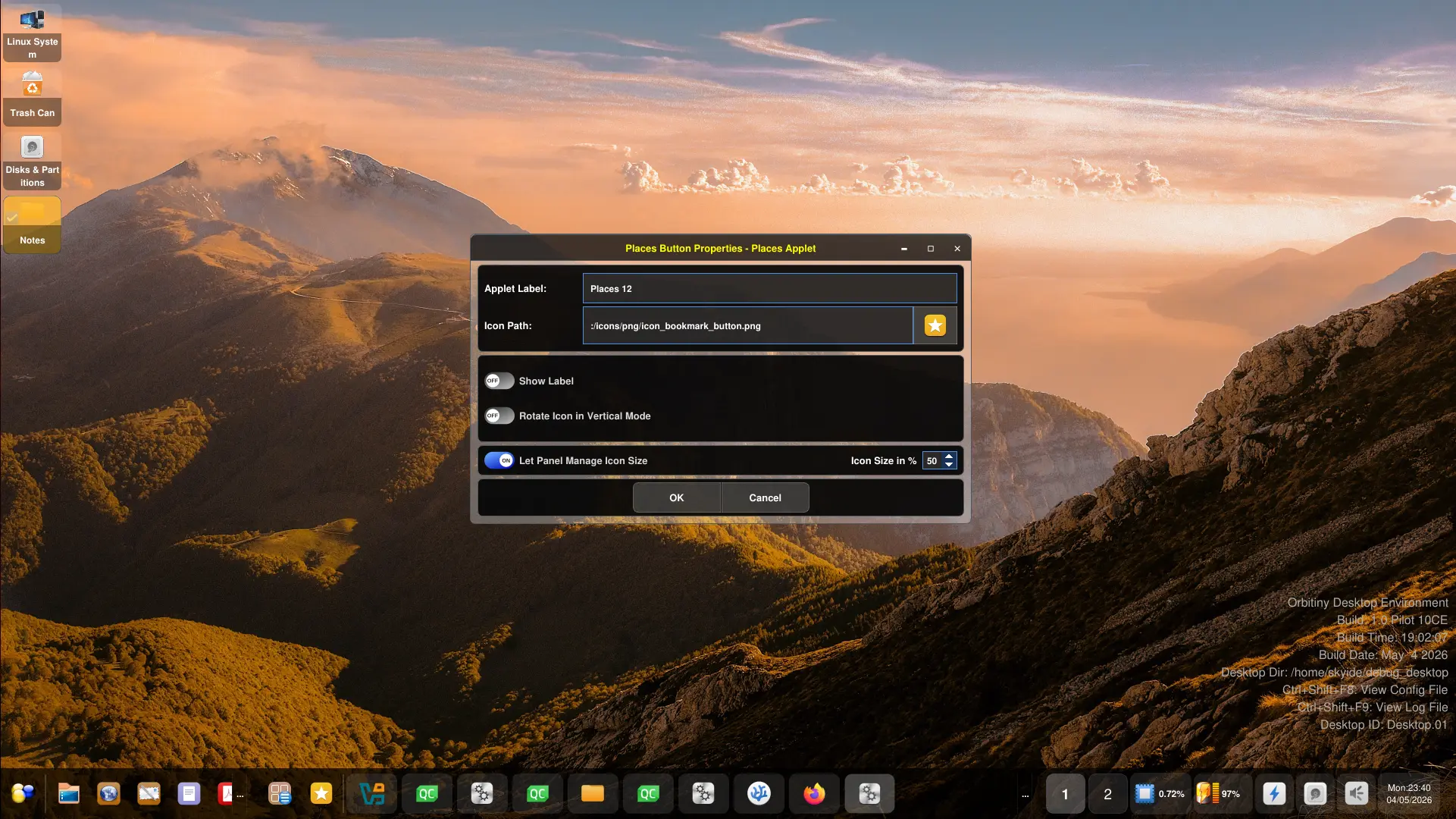
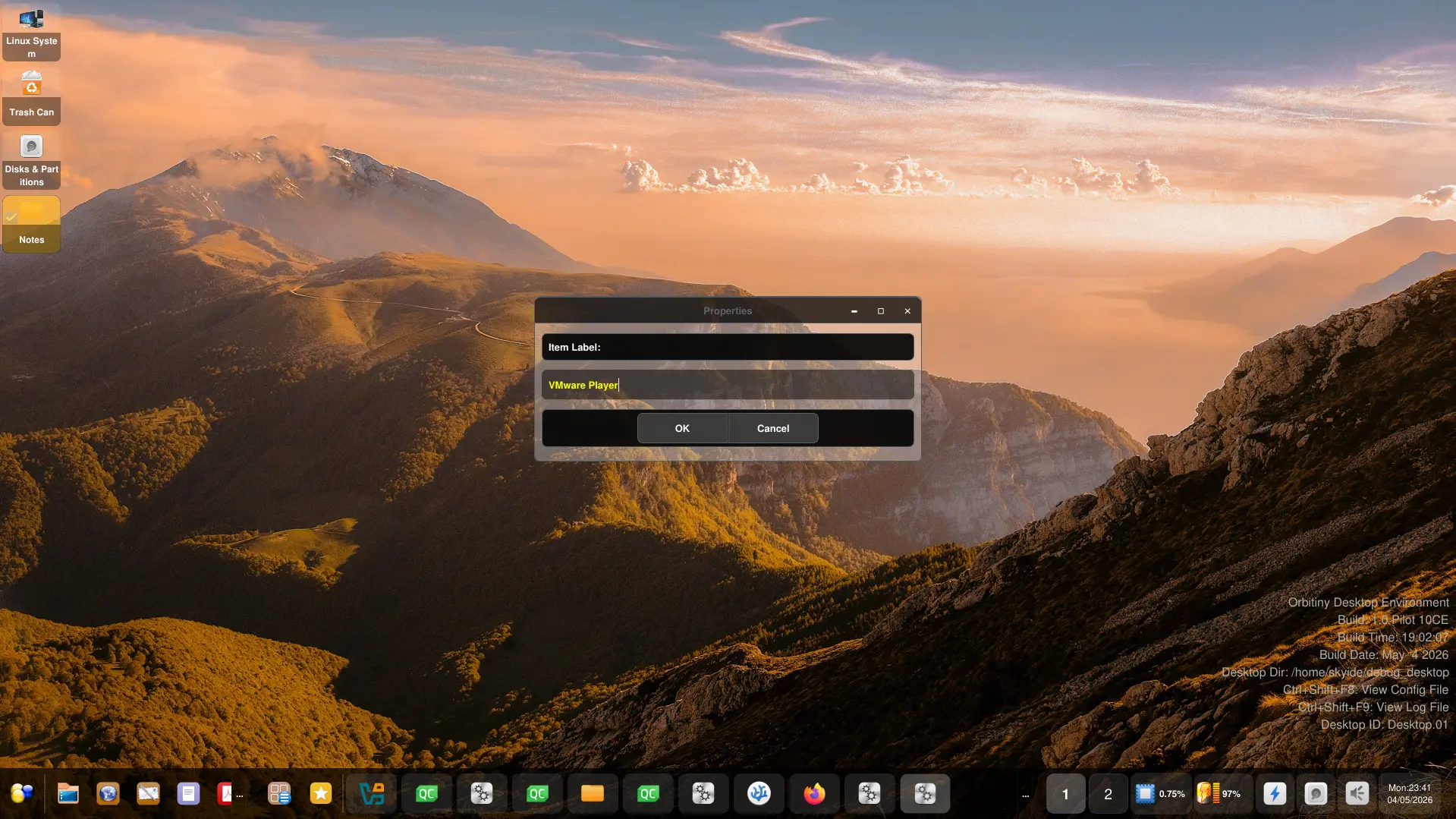
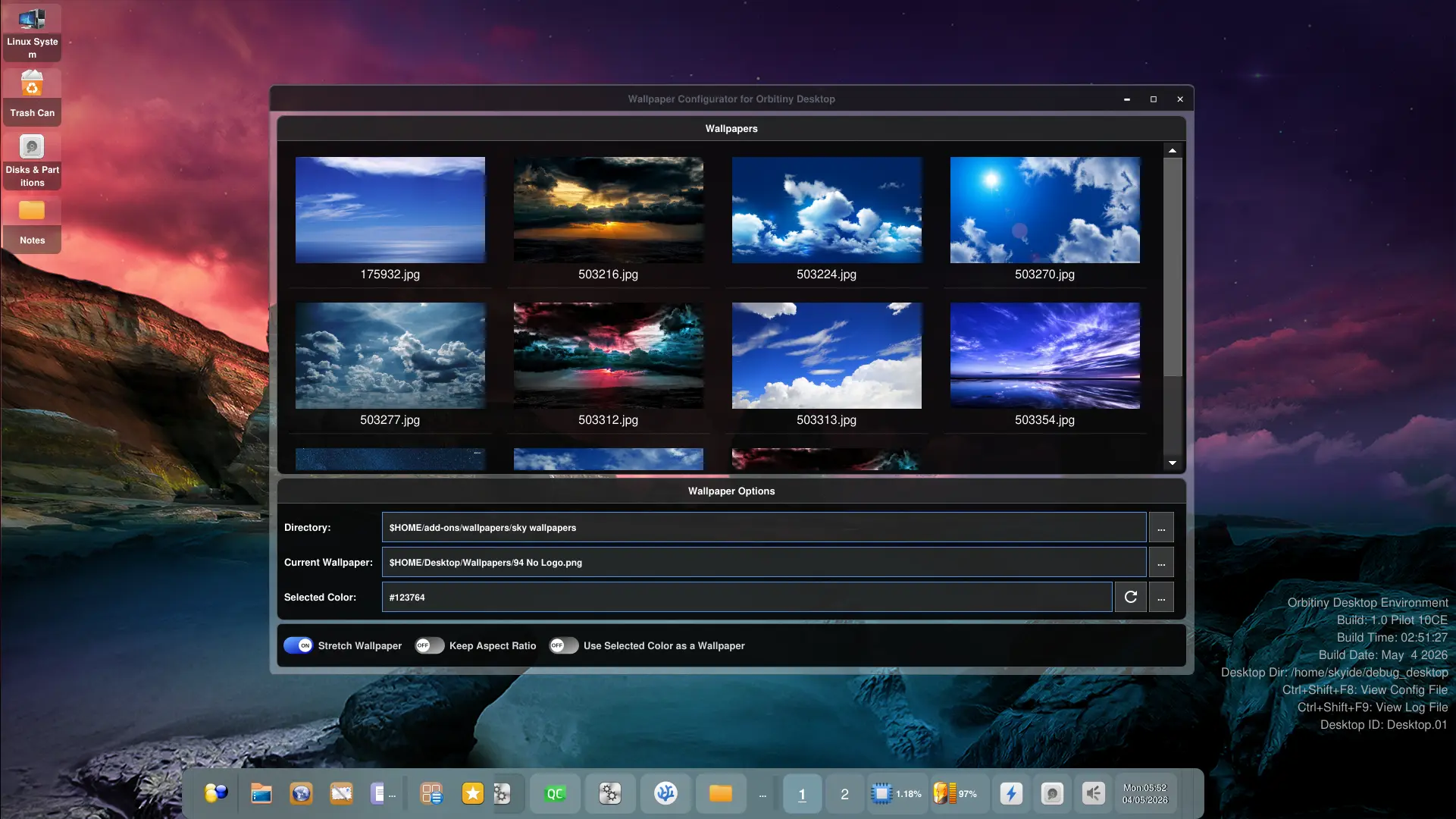
Here is a slideshow with plenty of screenshots of Orbitiny’s latest development. The slideshow showcases the two themes that I’ve been working on. Pilot 11 is near and this is its look (more or less) with further tweaks to be made as I go along.
Aside from theming, here is what I have fixed so far.
- A bug with the “Paste Image” function in the context menus. It worked intermittently after moving it to a separate thread and it is now fixed.
- Fixed a Drag&Drop issue in the Application Menu when pinning desktop files to the sidebar. Due to a coding error, it was failing to assign a desktop icon to the item being pinned. That is fixed.
- Fixed an unintentional panel docking to the sides of the screen when you clicked a panel handle or the button on the right-hand edge of the panel.
- Again related to the panel, fixed an intermittent panel crashing bug when you try to dock the panel with the panel handle to a screen edge.
- Fixed a massive performance hogging bug with the CPU load monitor. I am sorry I missed that one. I fixed this one by moving it to a separate thread.
There have been various other fixes but mostly related to the internal API.
New features so far.
- Introduced panel scrolling. You can now scroll the content with the wheel button.
- Also introduced scrolling to the X11 Window Buttons applet. They no longer get squashed.
- Converted the “Run Command” address bar applet into a button-like applet. I have talked about this before.
- Also converted the CPU load monitor into a button-like applet. You can see in my screenshot.
- Improved the appearance of the SysTray applet – both in icon mode and integrated mode.
Personally, I like both themes. I like the Glass Future theme because the styling reminds of a futuristic UI. Again, what I have shown you here with this specific one is very unique to Orbitiny + it looks good and technological.
More updates are coming, stay tuned. Pilot 11 is almost done. I just need to convert several more applications: the file manager (I hate to think how much time that would take), the search utility (I haven’t touched that for years as I normally use the integrated search function in Orbitiny’s file manager) + the device manager so there are three more applications but I also need to change some other plugins (in terms of UI theming which it won’t take long).
Anyway, the most difficult and time consuming bits have been done.
Slideshow is right below.