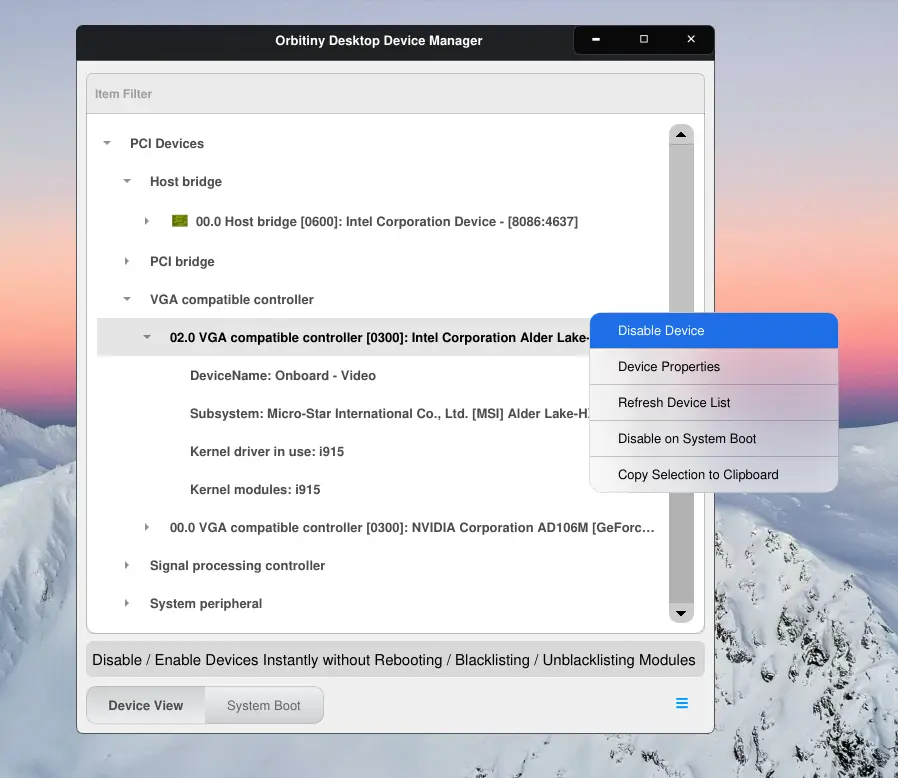
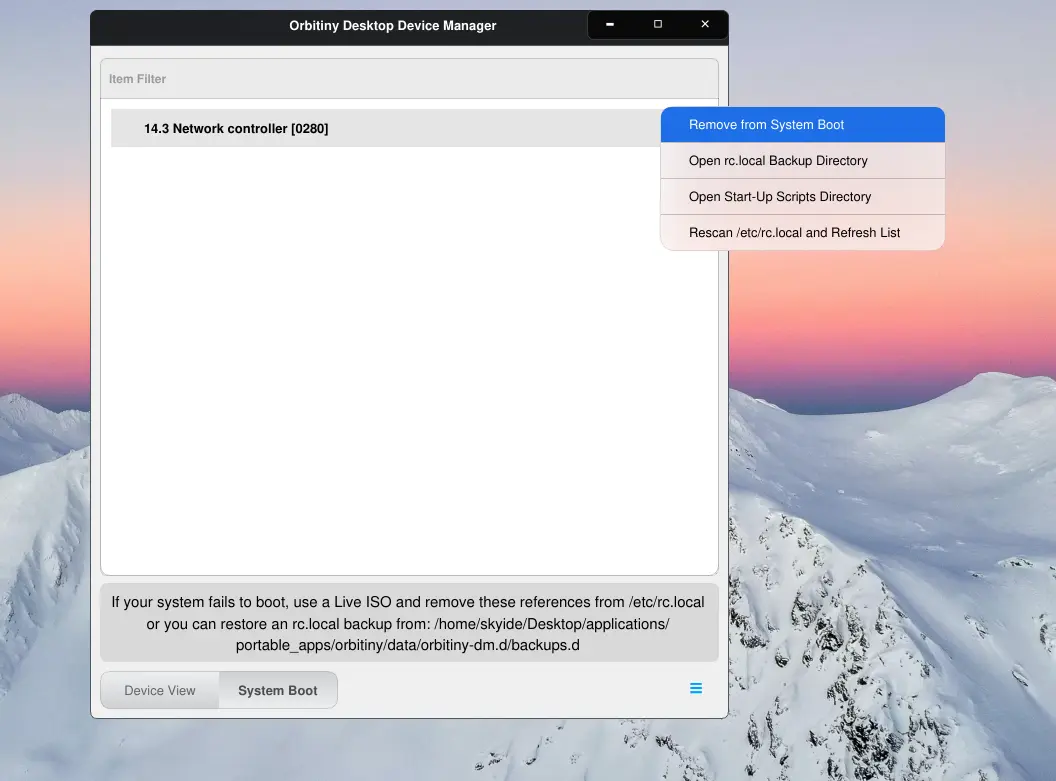
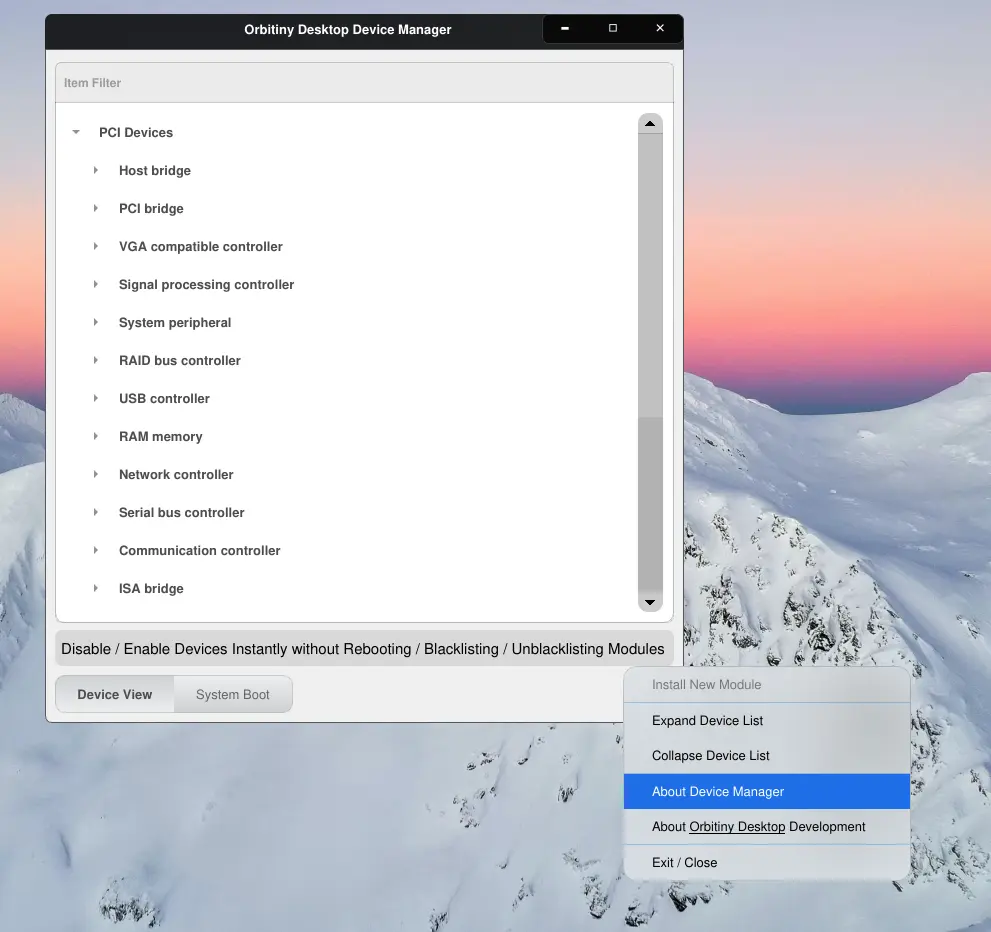
Finally, the very last application has received the theming upgrade. As you can see, it uses a combination of the new and beautiful light theme along with beautiful acrylic context menus. Like Orbitiny’s search tool, this too I hadn’t touched for years (literally) and I will be doing some major upgrades soon.
As you know, when you disable a device, the device gets disabled in real-time, no reboot required but the device will be disabled for that session only. When you reboot the computer, the changes are gone and the device is enabled again unless you choose to disable it on start-up too.
To do so, the tool adds an entry in rc.local but rc.local is now becoming deprecated so I will be adding support for SystemD, OpenRC, Runit, S6 and SysVinit. This way, when you disable a device on startup, you will be able to choose which init system you want this done for but most probably it will auto-detect it and do it for you automatically.
I will provide another update soon.
Warning: Don’t try to disable your VGA adapter thinking it won’t do it, this is Linux, it will do it and you get a blank screen and all your work is lost so if you want to do it for fun, use a VM.