
Here are some screenshots of the context menu’s displayed over different wallpapers while using the acrylic theme (you get the menu shown below by middle-clicking the desktop):
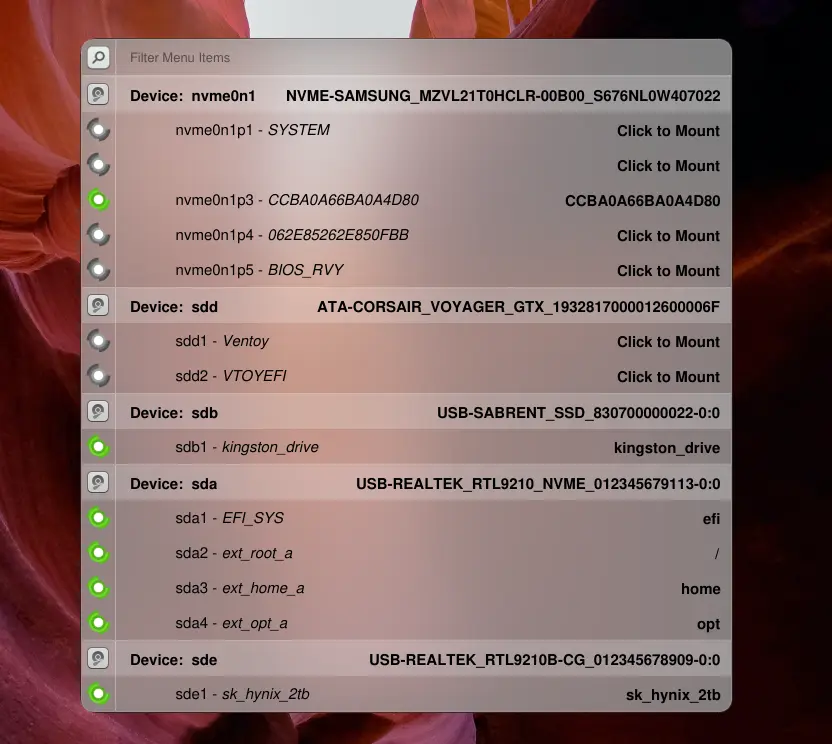
Here is the same menu but with a different background / wallpaper:
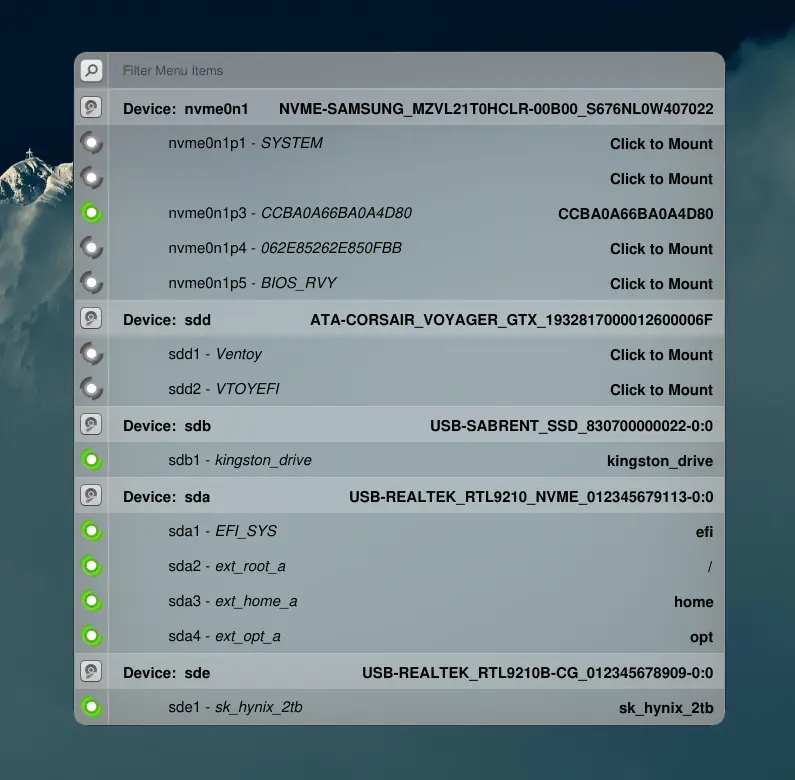
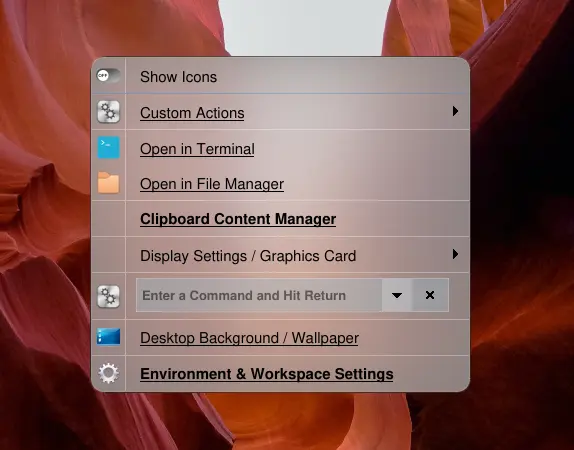
Here is the other theme for comparison. I call this, “glass” or “future”:
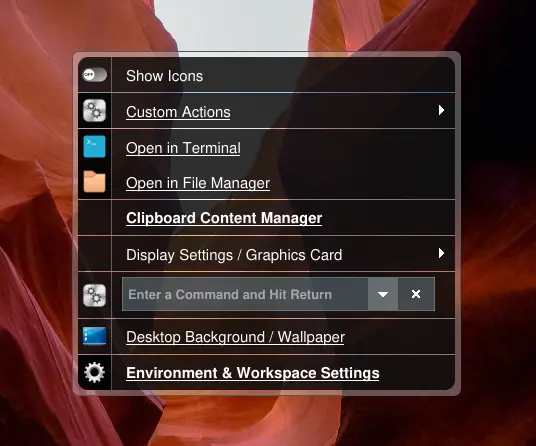
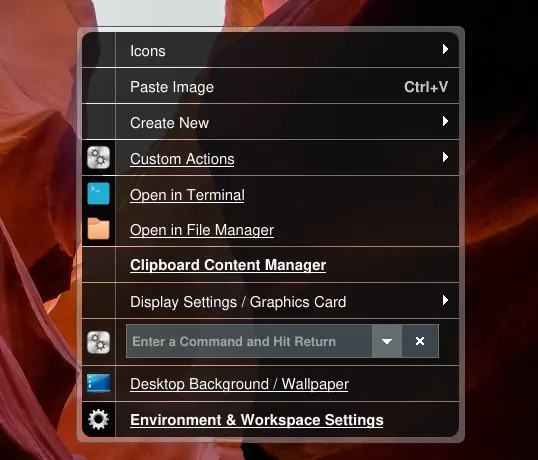
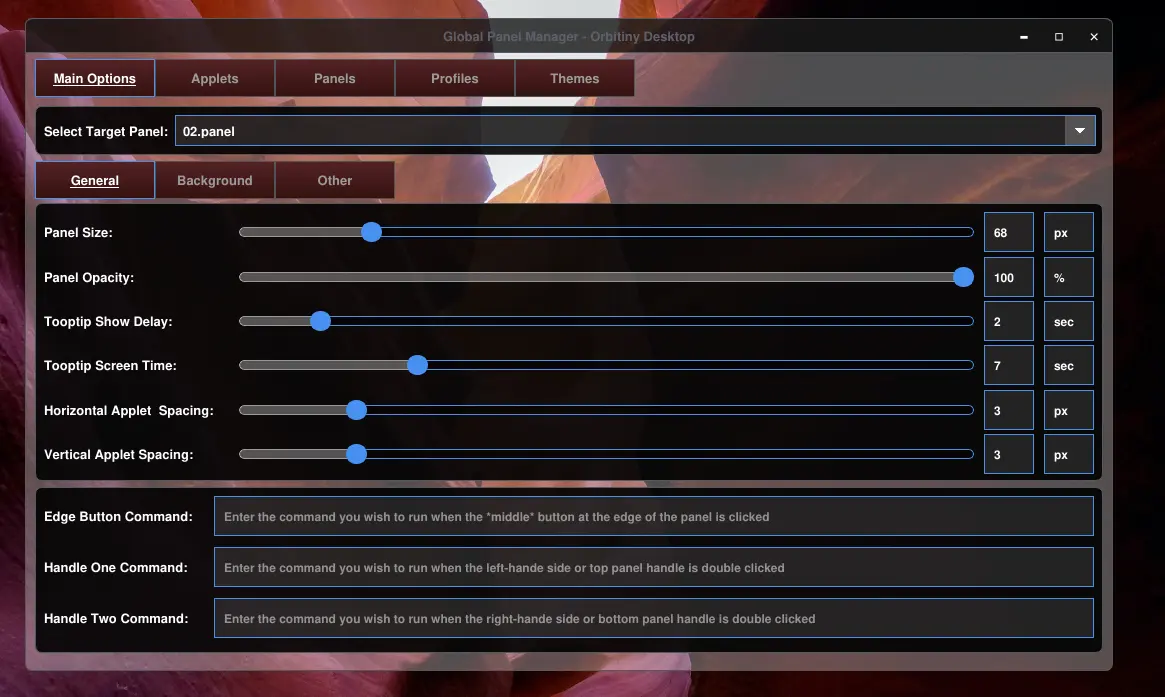
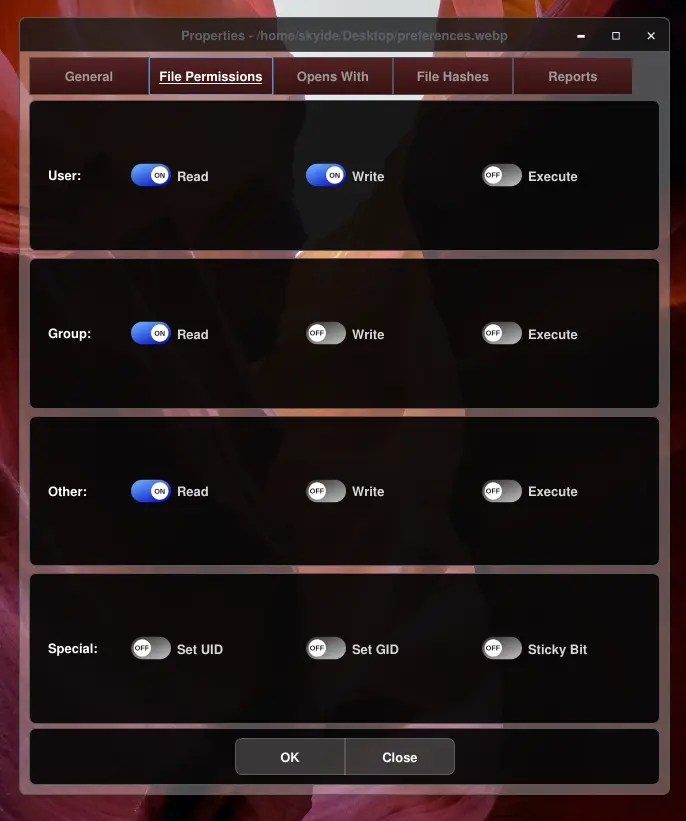
You have already seen this but here it is again, this is how the dialogs will look in Pilot 11.
In Pilot 11, by default, application menus, panels and context menus will all use the acrylic theme but dialog will look like the one shown here:
I am sorry for taking so long to complete this. I am the only one working on this project and there are many substantial changes with the code. I am aware I’ve been teasing you with all these screenshots. The purpose is to show you that there is progress. It just that it takes a lot of time + testing and considering I have no sponsors, I only work during my free time. Nonetheless, most of the work has been completed.