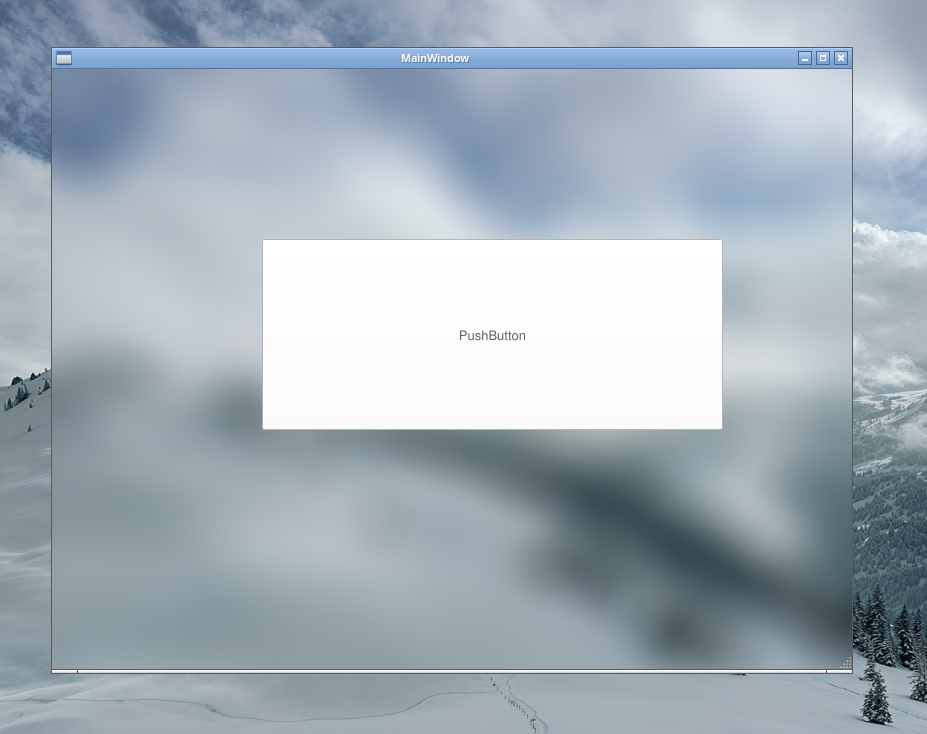
What you see in the screenshot is an experimental and true and native acrylic effect running with OpenBox and Picom + a “Hello World” Qt/C++ application (that’s how the original Orbitiny started, literally but with a solid window instead). You can put a video playing in the background behind that acrylic window and you will see the video contents blurred and with 100% frame rate and 0 additional CPU cycles.
To give you some context. What you see in the currently released pilots is fake / imitation and it is all retrofitted and to fix everything, speed, memory usage, efficiency, responsiveness etc, a restart was a must.
Also, I built an OpenBox AppImage so OpenBox will become Orbitiny’s own window manager and I will find a nice window decoration by default. The one in the screenshot is the default one that comes with OpenBox and yes, it’s ugly so I am definitely not staying with it. This is just a demonstration, that’s all.
To give you an idea how this works. OpenBox is the window manager and it provides the window frame, the close, restore, minimize buttons etc and picom is a compositor, and the acrylic effect you see in the screenshot is provided by picom, not OpenBox.
I built an AppImage for both OpenBox and Picom and I will ship both.
I have also tested this with Xfwm4 (I had to first run: xfconf-query -c xfwm4 -p /general/use_compositing -s false to turn Xfwm4’s compositor off) and it works with the Xfwm4 too. It will work with any WM. If I can find a way to pack Xfwm4 as an AppImage, I will switch to it instead.
Right now, I am focusing on the desktop and I have pretty much, re-built the entire foundation with new fresh rewritten APIs, a new desktop window (not completed), real acrylic effects as shown here, unlimited and free hand gestures so the very core is already properly rebuilt!
I also intend to rebuild the panel and the file manager.
I will continue to provide progress updates so watch this space.