I just released Orbitiny Desktop Pilot X (Release 3). The major change in this release is the already mentioned DPI scaling but also some bug fixes.
1.0 Pilot X (R3) – Release Notes:
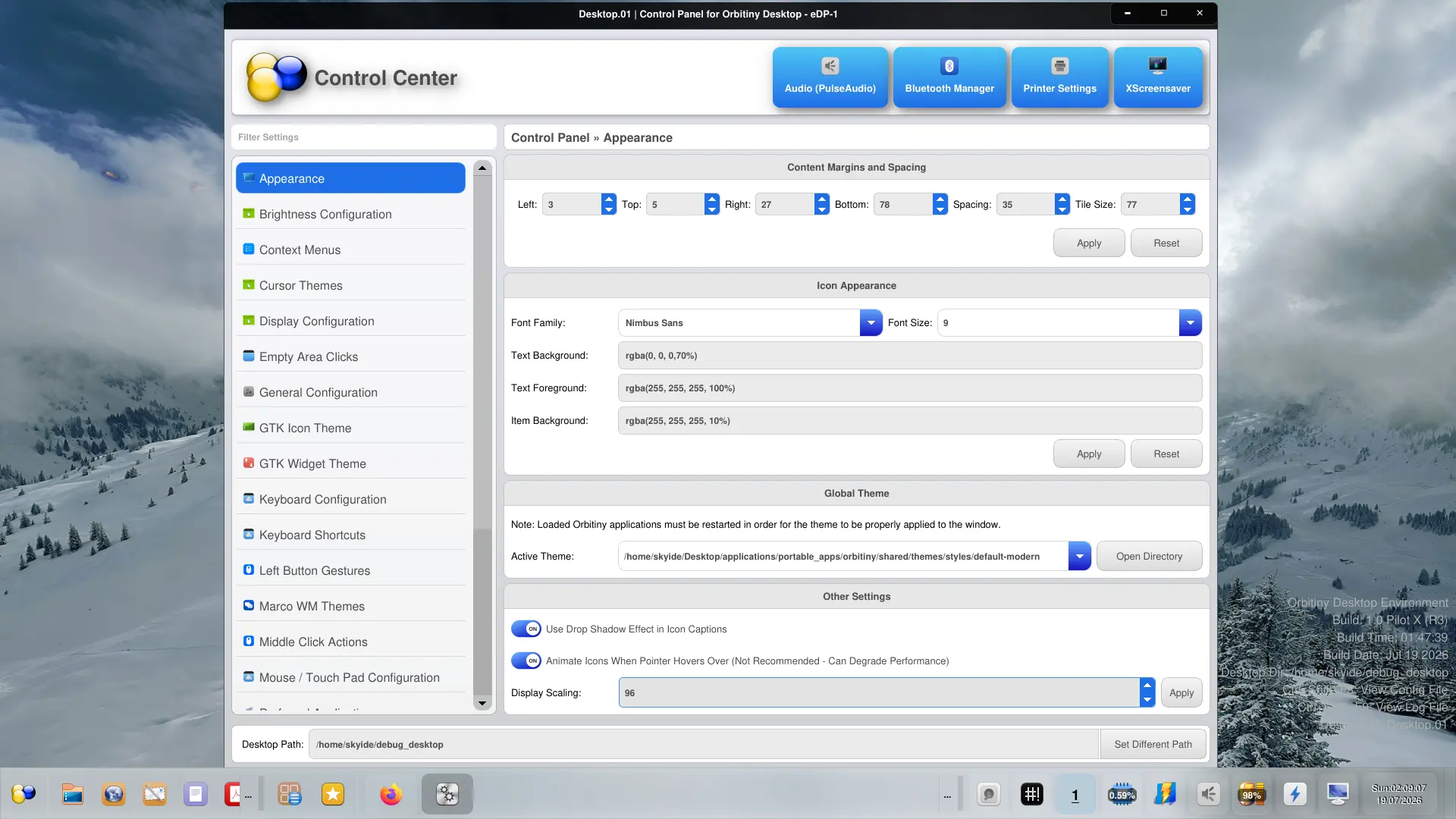
- New: Added support for display scaling. Now you can change DPI settings from Orbitiny’s Control Center. DPI settings can be found in “Control Center->Appearance->Other Settings“. Note, if non-Orbitiny applications look a bit off after the DPI is changed, that has nothing to do with Orbitiny and it is an issue with the application itself or the toolkit the application uses. Just like I tried to make sure with Orbitiny’s applications that the UI looks correct with different DPI settings, those applications should do the same. If you find an issue with an Orbitiny application after the DPI is changed, first try to restart the application and if that does not fix the issue, please report it.
- BugFix: In release Pilot X, I stated that the desktop icons get pushed when the panel is docked to a screen edge. While that does work, there was still an issue when the panel is placed at the bottom of the screen – it covers the icons partially. It should be fixed now.
- BugFix: (Fixed in silent release R2B which I never announced but got uploaded) – Fixed a bug in the Drawer and Quick Launch menus – “Open Left Target File Location” and “Open Middle Target File Location” functions were not working.
Note when you click the Apply button in the Display Scaling section, the desktop and the panel will restart in order to properly apply the changes. They restart simultaneously and it’s a very quick restart which takes about 3 seconds in total. In my previous post I stated that it was crashing but in fact it was not crashing, it was reacting to the DPI changes and that’s because I had been working on this ages ago, I just never completed it (I got distracted) but it should be completed now.
If you find something is off with an Orbitiny application after you change the DPI, please let me know and I promise you, I will immediately take a look at it and try to fix it but first restart the application and see if that fixes the issue and if it does not, then report it.
 P.S. Although, the changes are not drastic, still you may want to keep a copy of the old release archive before deleting it and using Release 3. This is always a good practice.