
If you’ve been following the project so far, you’d know that Orbitny Desktop’s primary target has always been X11 (X.org and XLibre) and that will stay. I am determined about supporting X11, either in X.org or XLibre form or both, thus Orbitiny’s primary playground and target will always be X11. Nonetheless, recently a new project has caught my attention (and I am glad I came across it), and that project is called, RiverWM.
What is RiverWM?
River is a non-monolithic Wayland compositor. Unlike other Wayland compositors, river does not combine the compositor and window manager into one program. Instead, users can choose any window manager implementing the river-window-management-v1 protocol.
I have not tested it, I have not played with it but judging by the project’s description, it looks promising, it looks very, very promising. I’ve been aware of this project for several months now but I’ve been ignoring it until now.
So, once Pilot 11 is released, River WM will be my primary focus. To people fond of Wayland this will be welcome because they’ll get a chance to use Orbitiny on both Wayland and X11. But more on that at a later time and this is just to give you a kind of a road map about where I am heading with the project.
Now, the next thing I’d like to talk about is the new control panel and the new light and solid theme – both shown in the slideshow. The Glass Future theme is still available but I have found it to be problematic in some areas however it will remain as an option and soon I will introduce more color options, not just translucent black.
The acrylic theming is also problematic (more problematic than the Glass Future one) when applied to dialogs (mostly with text color) so I am limiting its use to popup menus, drawers and panels which is pretty much what I have demonstrated before so that’s definitely coming.
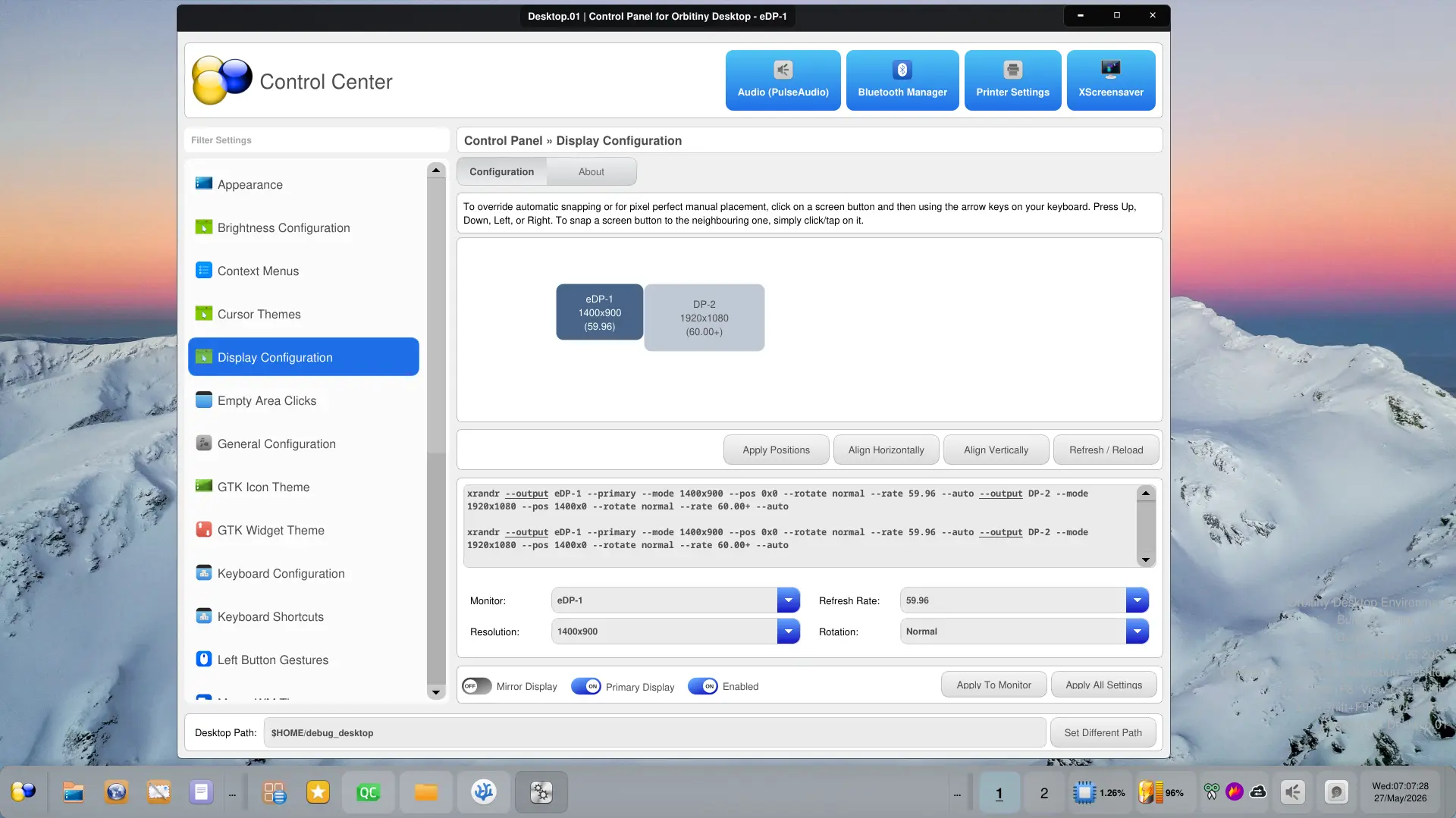
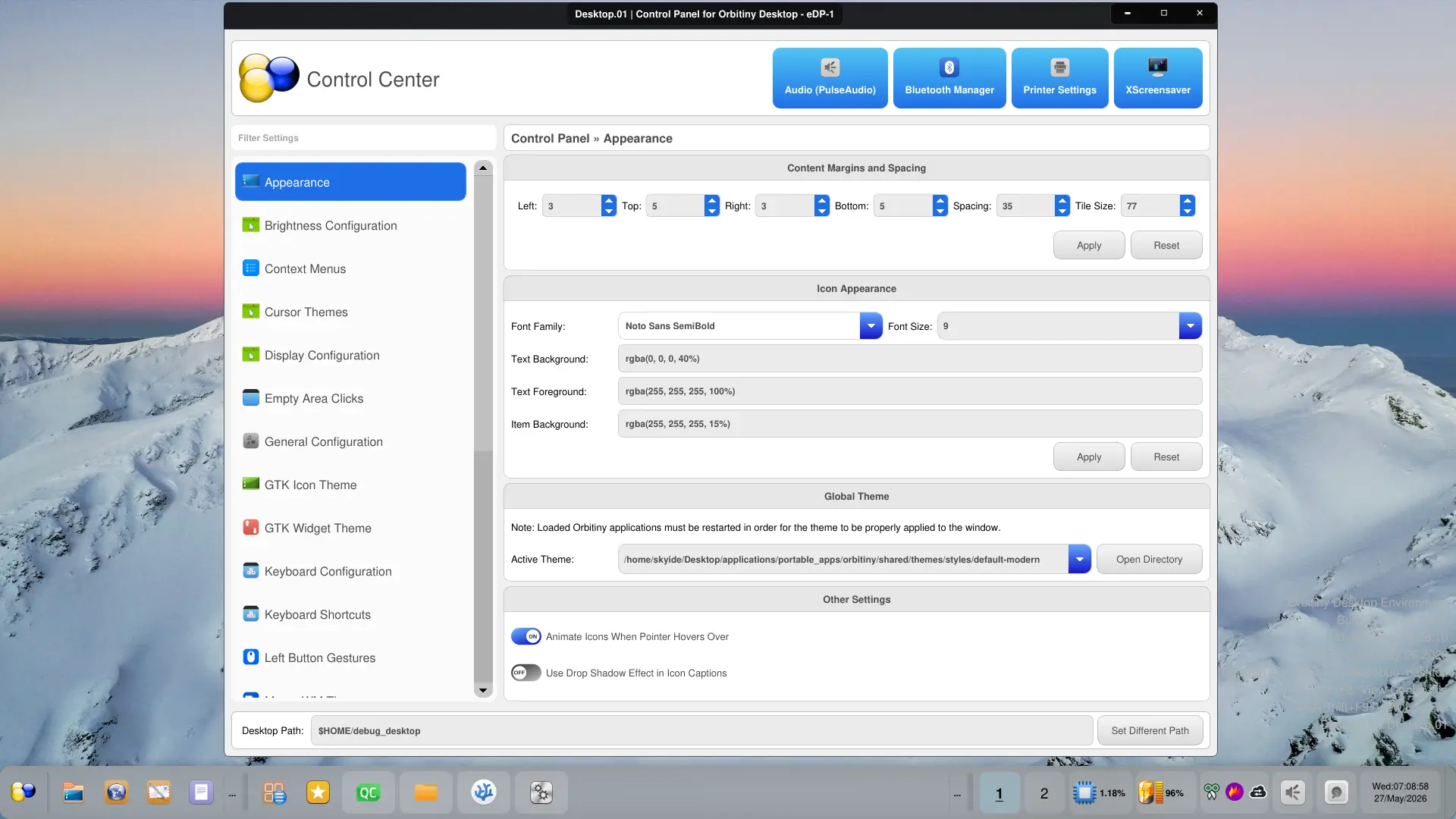
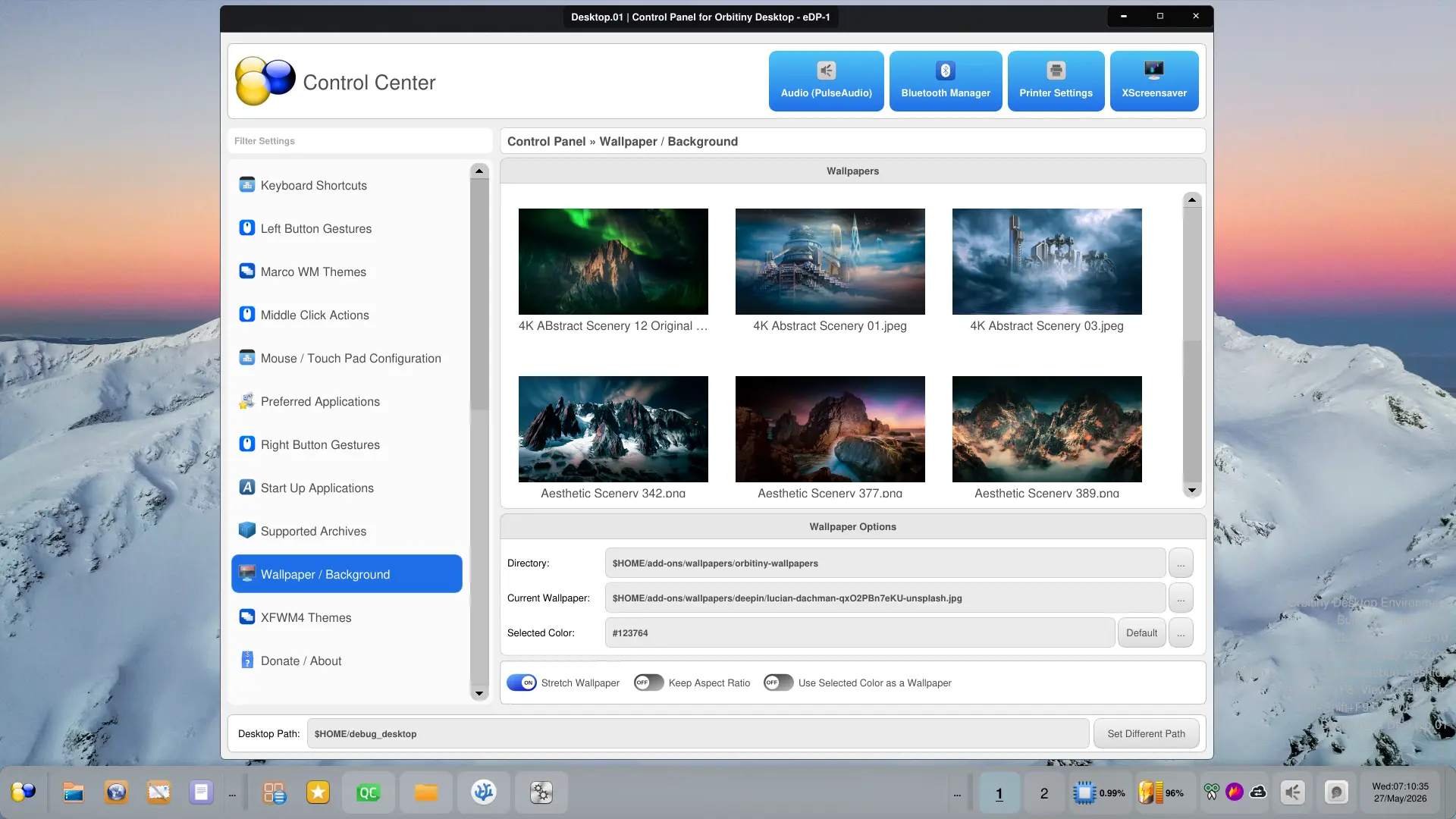
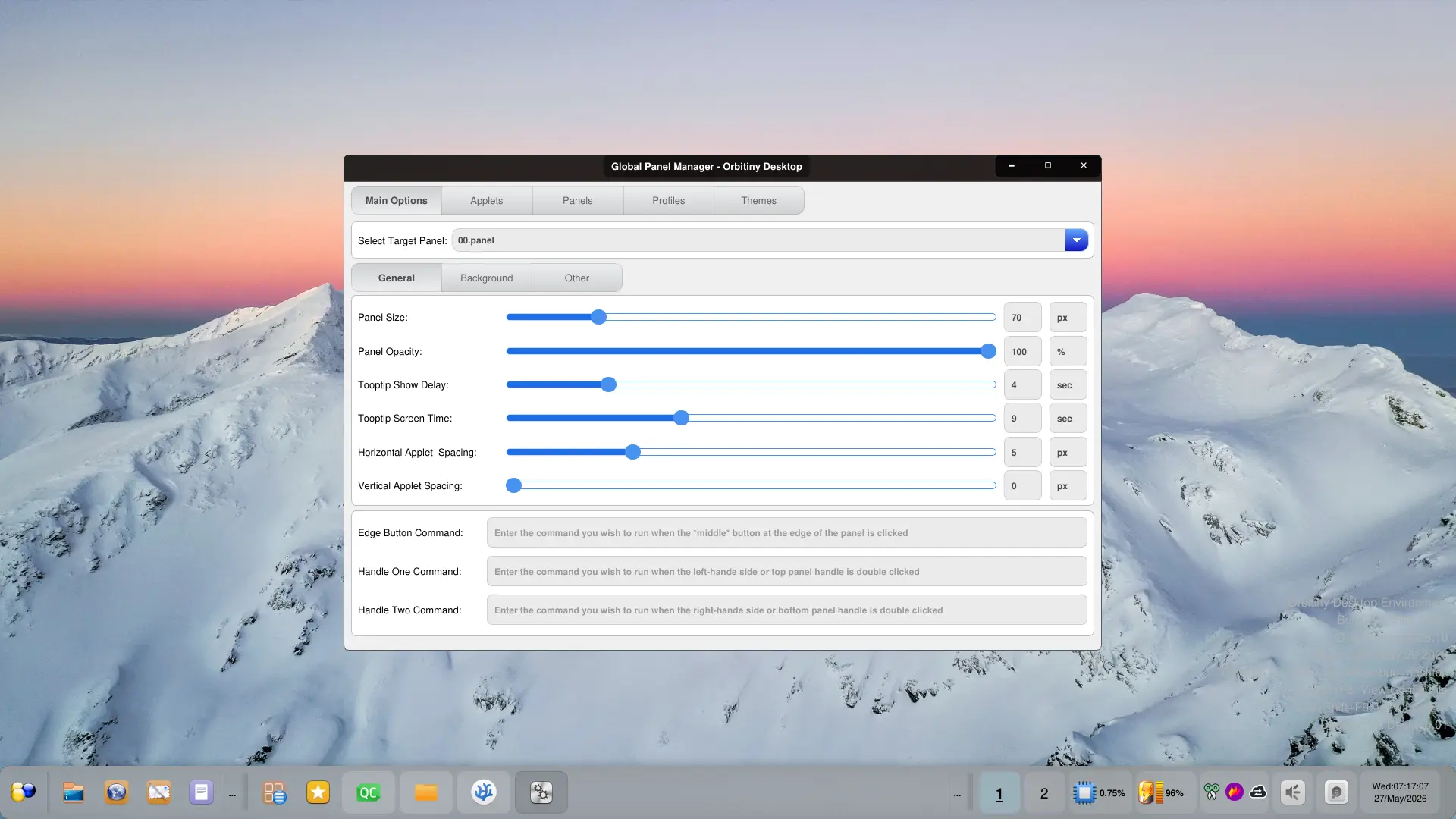
Shown in the screenshots is the new Control Panel which I did not mention I was working on along with the new light theme. The items on the sidebar on the left are Orbitiny’s configuration tools while the four buttons at the top right-hand pane are external programs not associated with Orbitiny and these are a standard set of utilities that come with most distributions. By default, I have included 4 but you can add as many as you wish because the config is read off of a file.
I will create an additional dimmed down version of the light theme and will have a gray tinge. I just need to dim down the color codes, that’s all.
I also have created some new Qutiny (the file manager) themes but recently I changed some things and that affected the file manager so I will show you screenshots of it very soon once it’s fixed.
I’d say, Orbitiny Desktop Pilot 11 is about 99% complete so a release is definitely coming very soon and the best thing is, the code has received a major revamp, this is why it’s been taking me so long and I had to modify code as old as 2017 and adopt it to the new dynamic theming system.