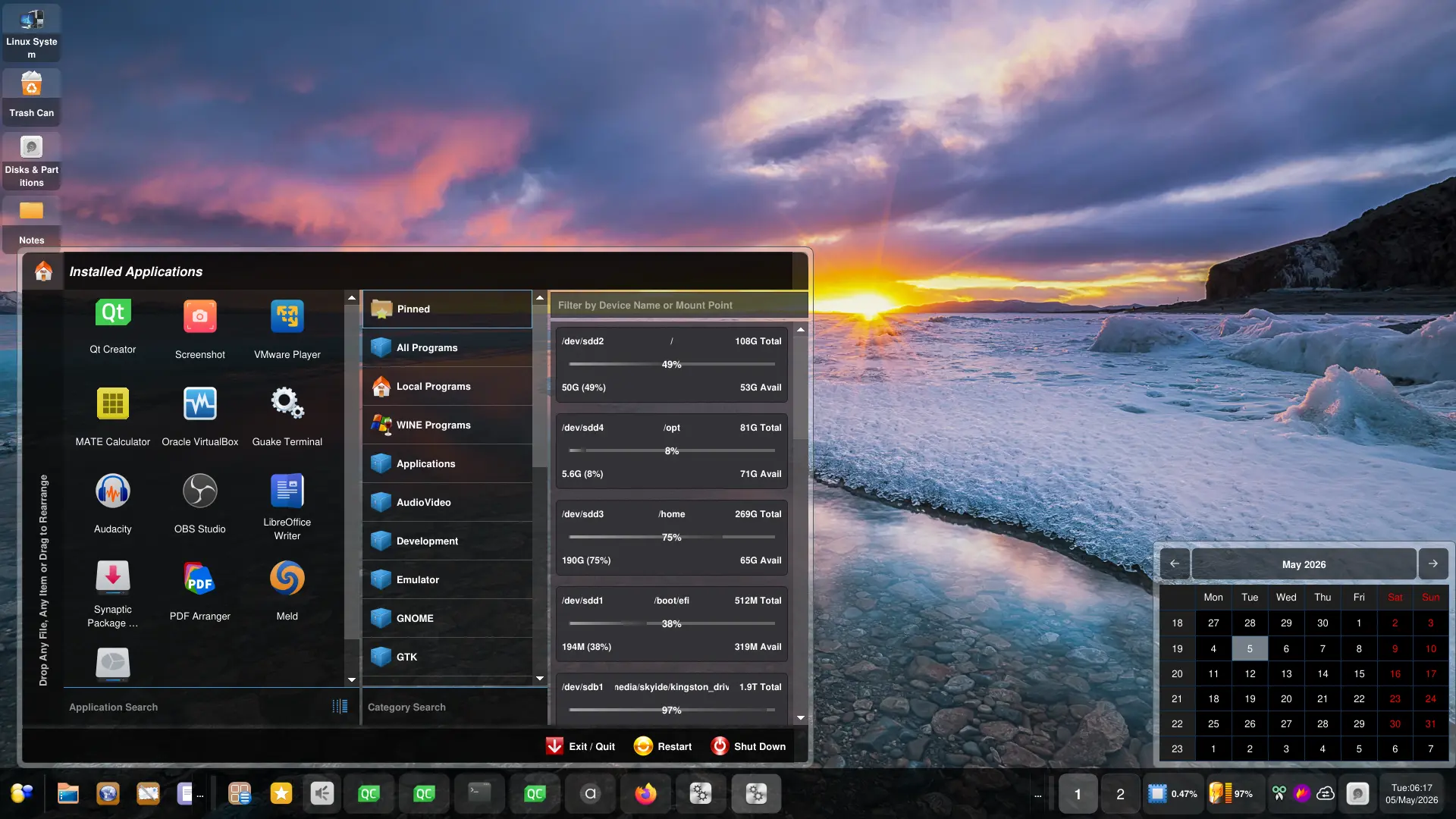
I want to make Orbitiny Desktop, a unique desktop. I try to do this with new and unique features that no one else has done before, a new futuristic styled theming and application portability, functionality and modularity. I do not take features away, and never will. I promise! Instead, I add features and improve existing ones. What we are all used to (the traditional way of doing things) will stay that way in Orbitiny but new ones will be added. That’s been my vision since its inception.
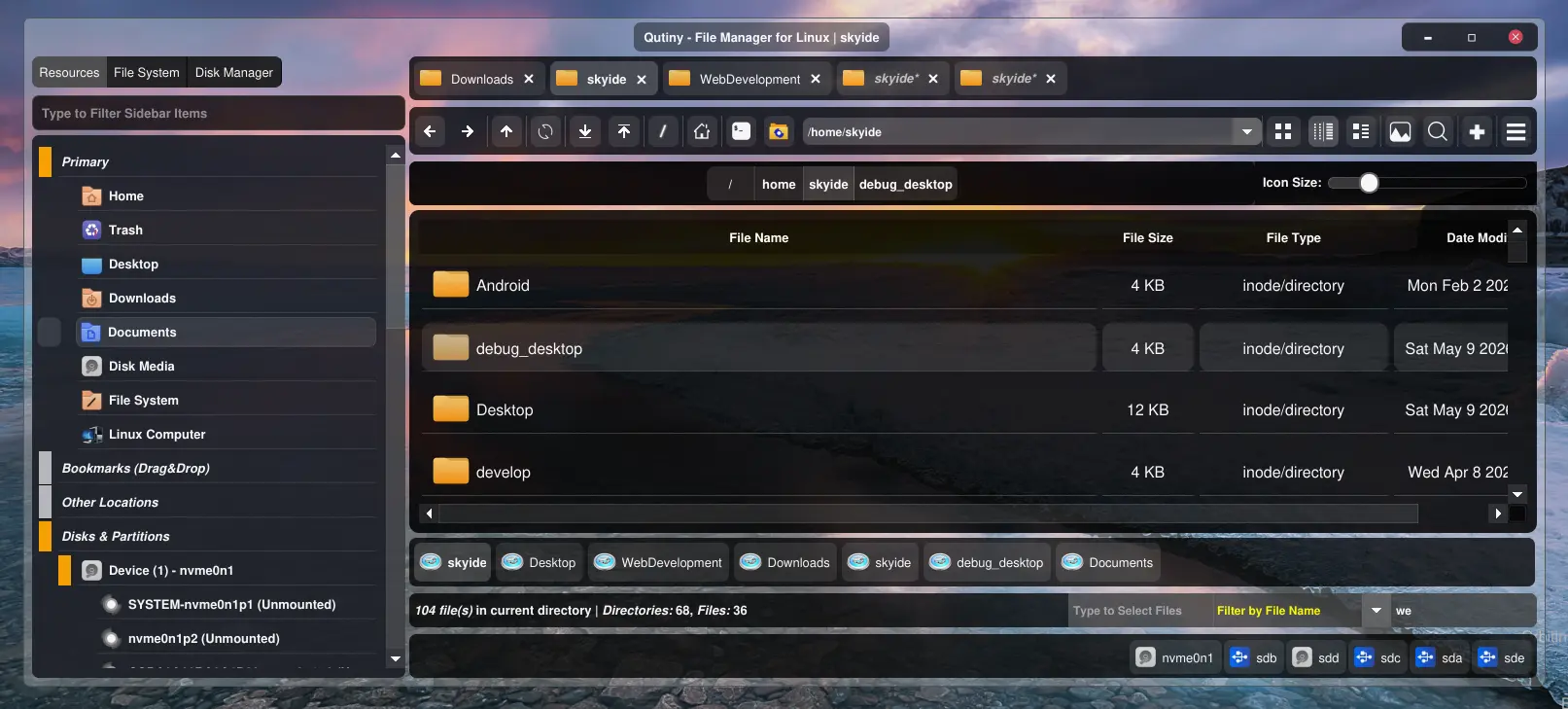
Anyway back on topic, when I did that theming code re-engineering with Qutiny’s code base (a massive code base, the third most complicated thing after the panel and the desktop), not only did I make it not require a file manager restart, I took a challenge and made a real time theme monitor.
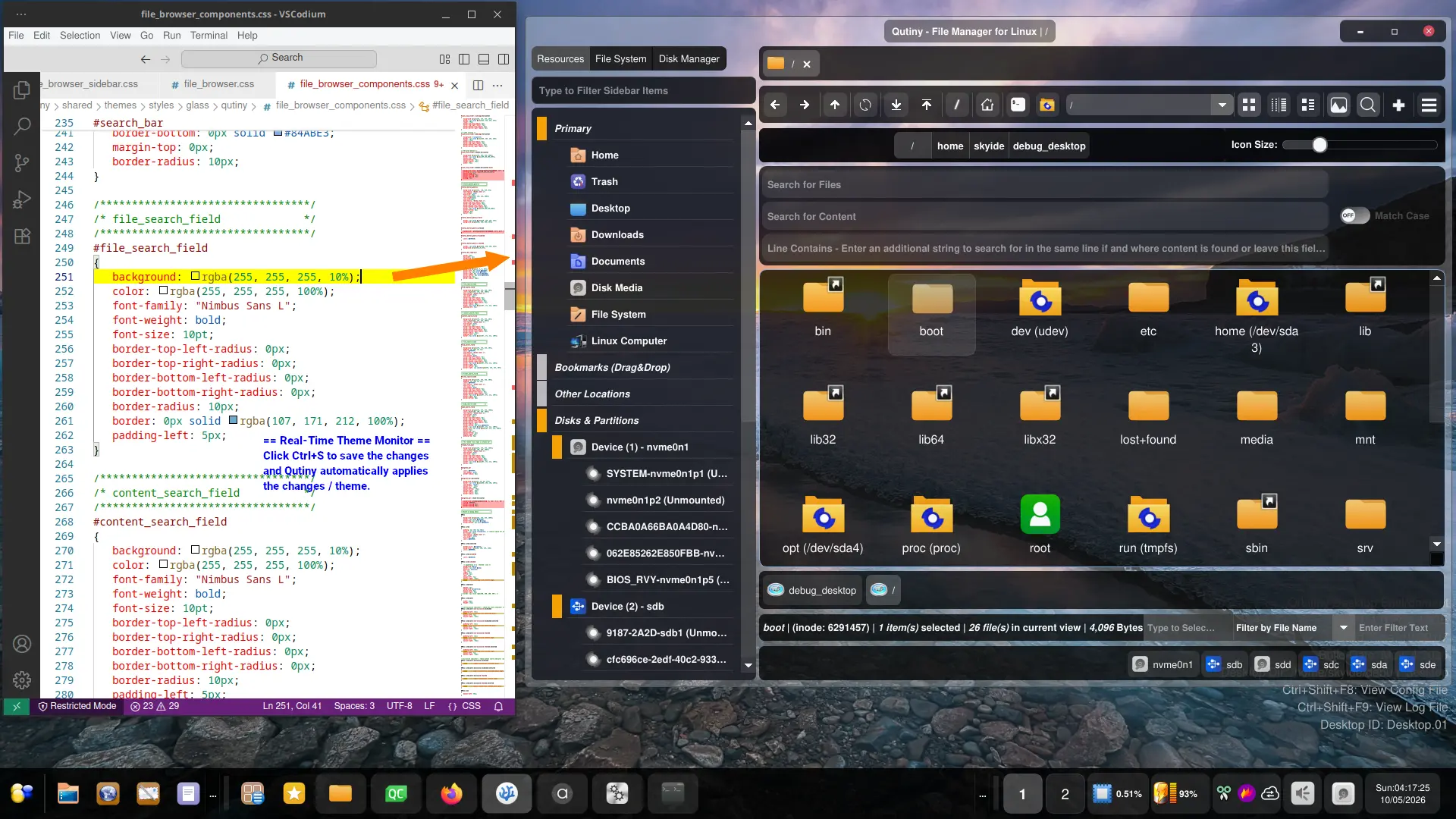
The theme changes now automatically get applied the moment any of the theme files get modified. So, if you are editing a CSS file in a text editor (see screenshot), the moment you save the file, so just click Ctrl+S in the text editor, Qutiny detects the change and the theme automatically gets applied.
This is the same as the real-time settings monitor feature in Orbitiny’s desktop component.
Just a word of warning, always have a backup copy of the original directory containing the theme files because you can seriously mess things up.