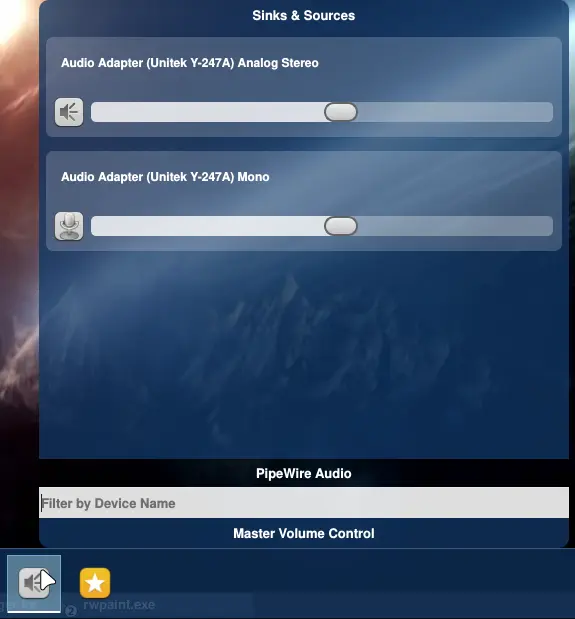
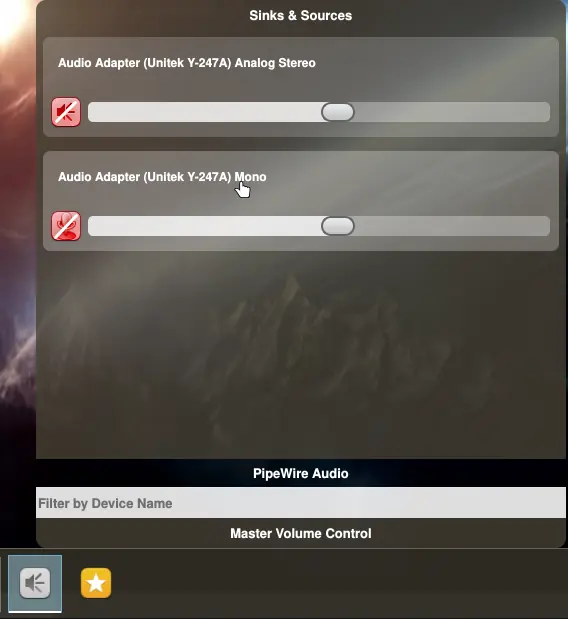
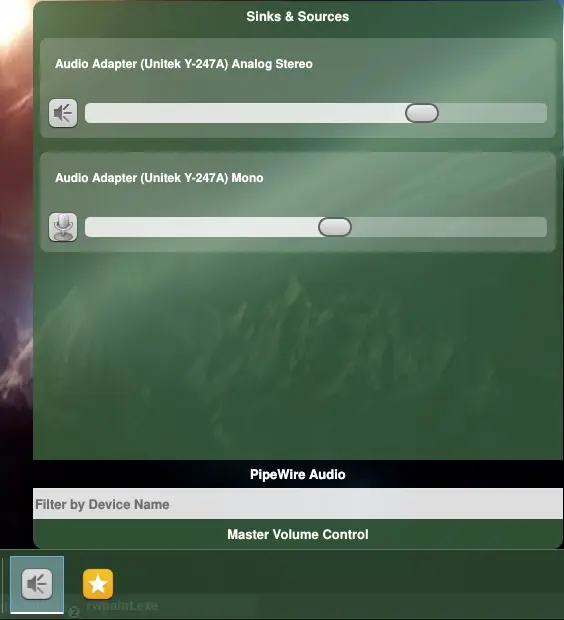
PipeWire support is now complete and it works even better than the original Pulse Audio support implementation. Below, I have uploaded three screenshots of various themes along with the PipeWire sinks and sources displayed. Like I said, for this one, I had to change distros but for the sake of the project’s development, now I have to go back to the old distro.
This is due to the GlibC libraries being used. The new distro uses newer GlibC libraries and if I compile the project with those new GlibC libraries, then Orbitiny Desktop won’t run on older distros using the older GlibC libraries due to being compiled with newer GlibC libraries but it does work the other way around and I don’t want to use a VM, I already run out of the entire 16GB of RAM my laptop has when compiling so I have to use swap space otherwise without it the computer freezes.
Imagine what would be like if I try to do the same in a VM.
Anyway, below are some screenshots, tested and working and this step is yet another fulfillment of the project’s ambitions of closing the missing gaps for a full desktop experience.
We’ve got a Display Monitor Configuration, Screen Brightness Control, Pulse Audio Control, Hot Key / Keyboard Shortcut Configuration, a system-wide operating mode and now PipeWire support so one by one, I am filling all the gaps.
To those who have donated, a Big Thank You from the bottom of my heart and I genuinely and sincerely mean it.
If you haven’t donated and you like the project, please consider making a donation to support my work and willingness to continue working on the project.