
Orbitiny Desktop Pilot 9C has been released. This release focuses mostly on Qutiny.
- BugFix: Qutiny – Fixed sidebar resizing issue – the sizing was capped to a certain width due to a bug.
- BugFix: Qutiny – Fixed the unreadable blue text that appears in the disk menu buttons when the Coconut theme is applied
- BugFix: Qutiny – Removed broken theme entries in the “Interface Theme” submenu
- BugFix: Screenshot Tool – Fixed a bug with the orbitiny-screenshot-grabber – it was adding an extra “.” to the saved .png file.
- Enhancement: Qutiny – Repositioned the sidebar tabs to the top (it feels more convenient to access the tabs this way but I can definitely add an option to move it to the bottom if you wish)
- Enhancement: Qutiny – Improved the overall look of the Coconut and Default themes
More details about this release. So, a few hours ago, while I was using Qutiny, I wanted to expand its sidebar more to the right and make it wider only to see that it was not resizing past the default’s width. You can test this with the current release so you’ll know what I am talking about. Try to expand the sidebar to the right, it’s not working.
How annoying, and I am so sorry it went under my radar…
The next thing that I saw was the blue text in the disk menu buttons. Try using the Coconut theme and then click on a disk button (the buttons tucked in the bottom right in the status bar) and you will see some unreadable text. This is now fixed and the text is readable.
While at it, I decided to play with the themes and here is the end result. I hope you like it.
But while taking screenshots using the newly created orbitiny-screenshot-grabber, I saw that it was adding an extra “.” to the name of the saved “.png” file.
That also got fixed. Today I was planning to add a snipping capability to the screenshot tool but these bugs that I found deflected me.
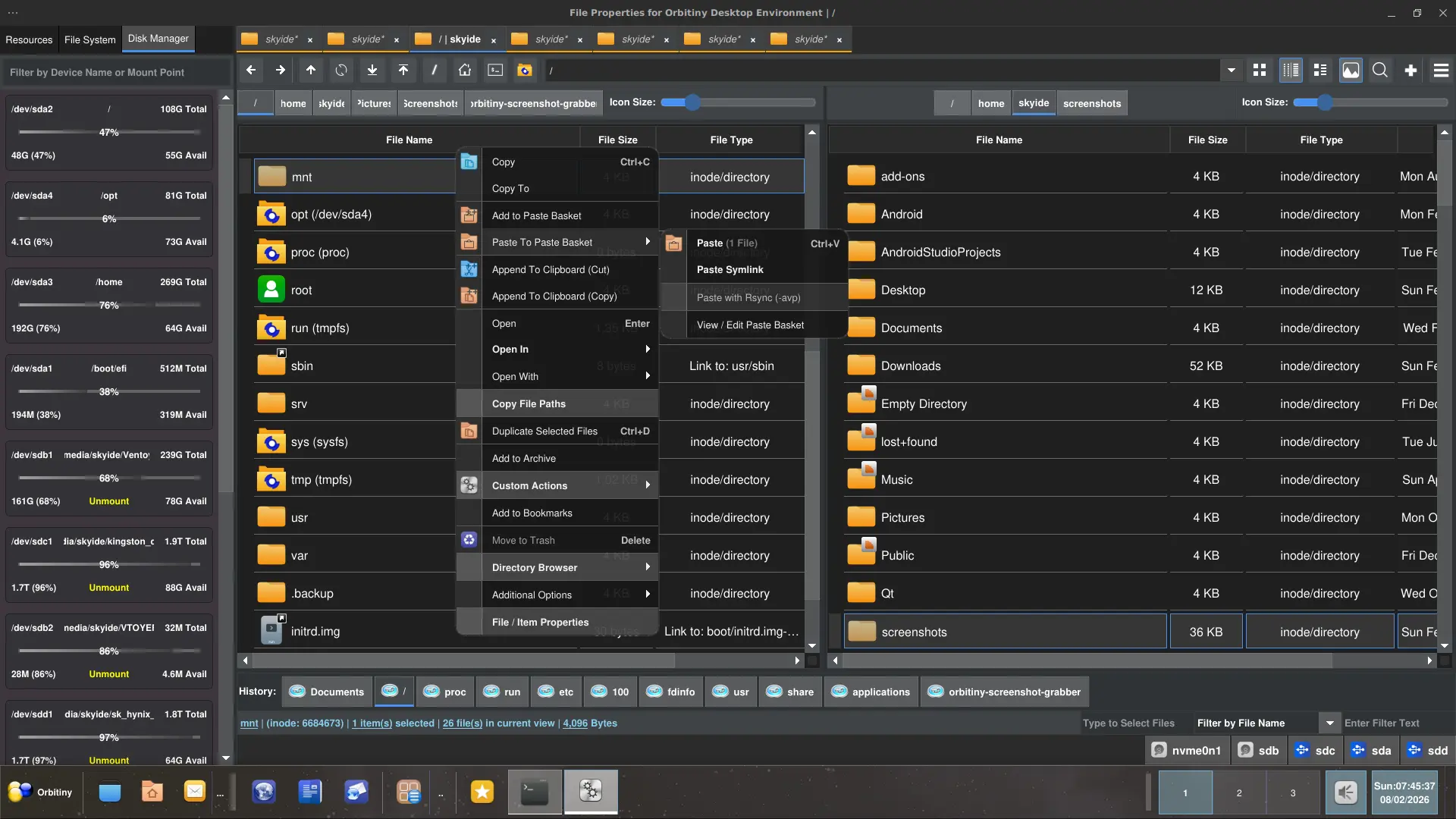
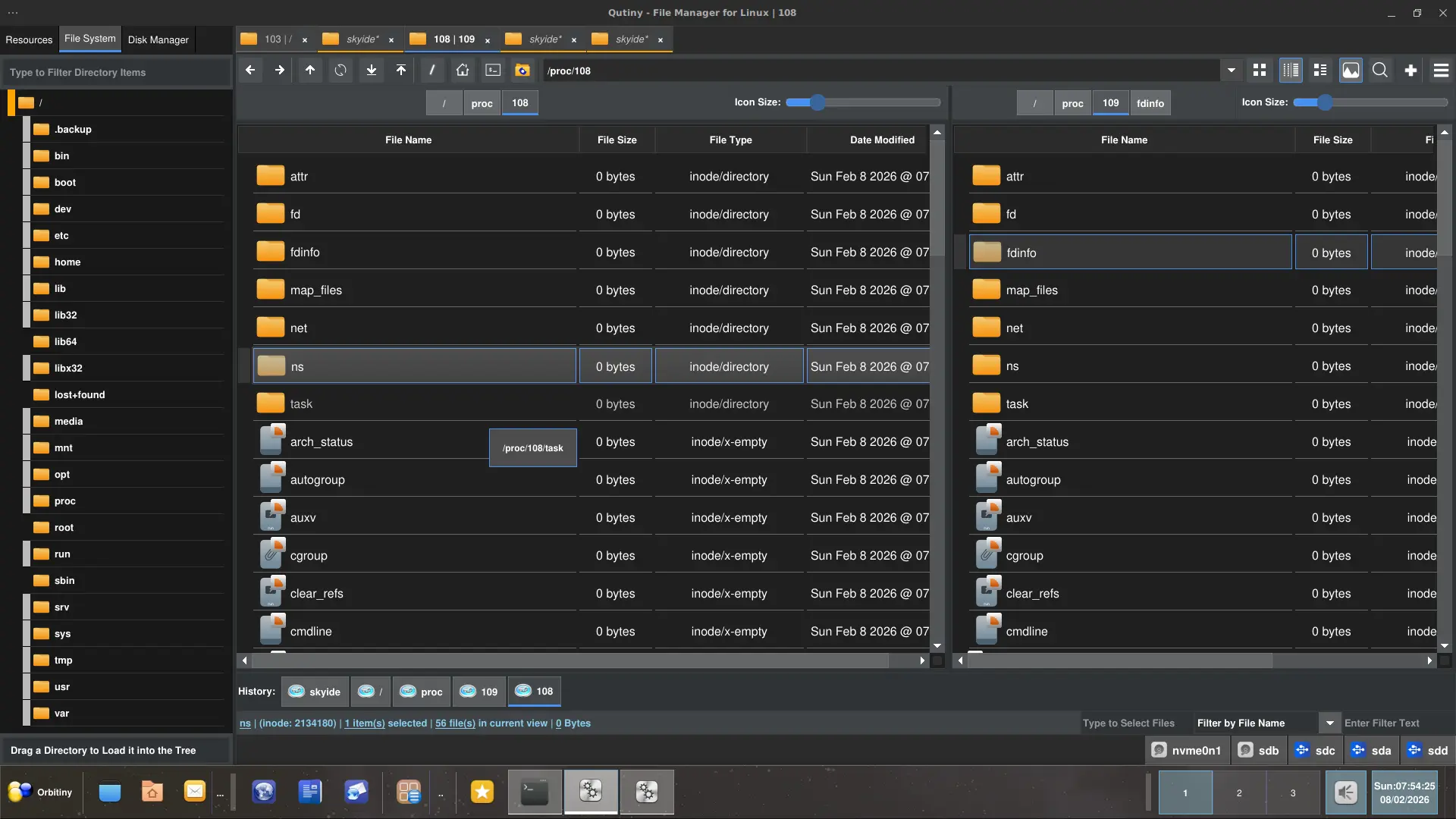
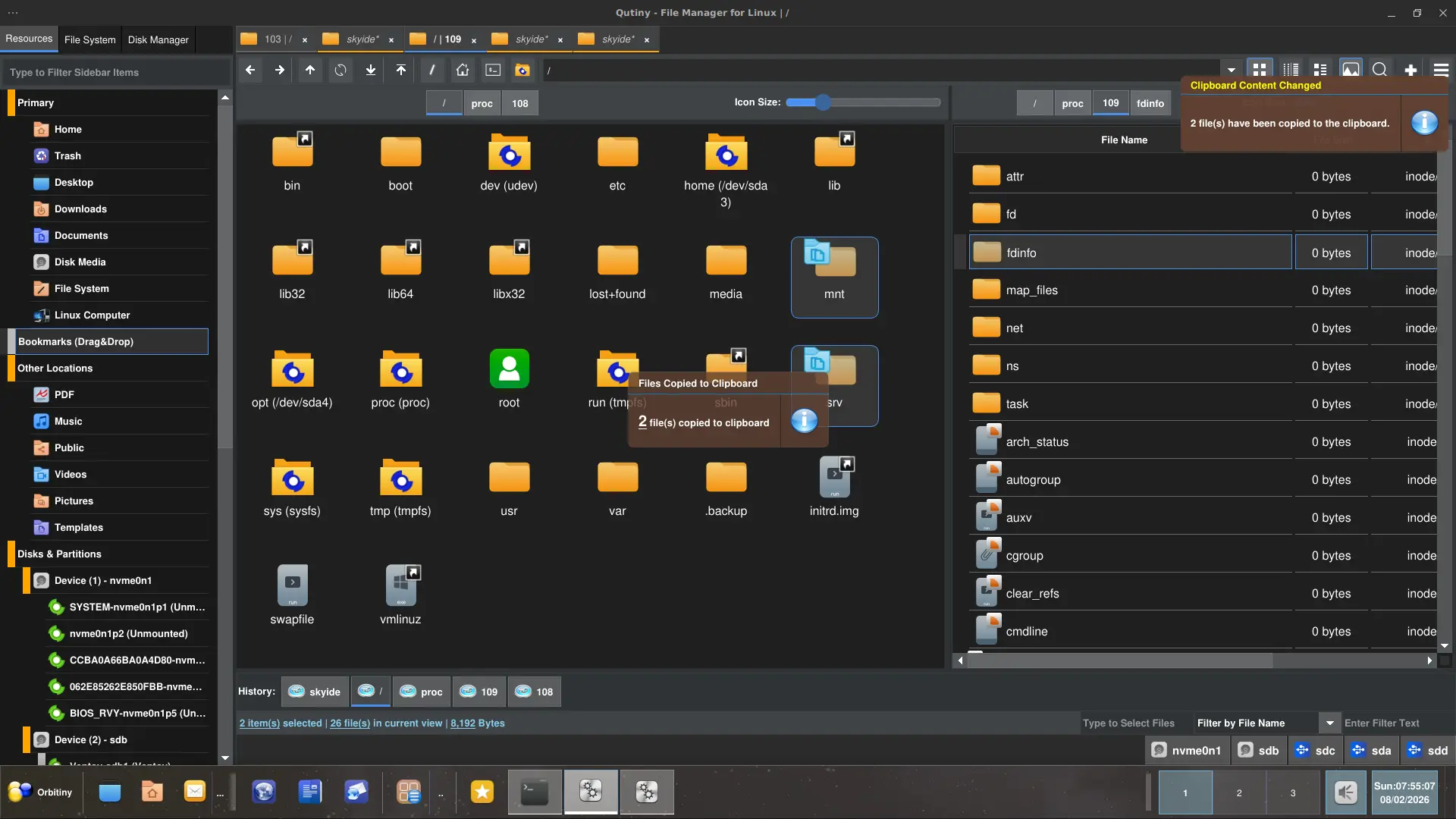
So, here is the end result after tweaking the themes. As you can see, the disk manager has received a complete revamp along with other widgets.
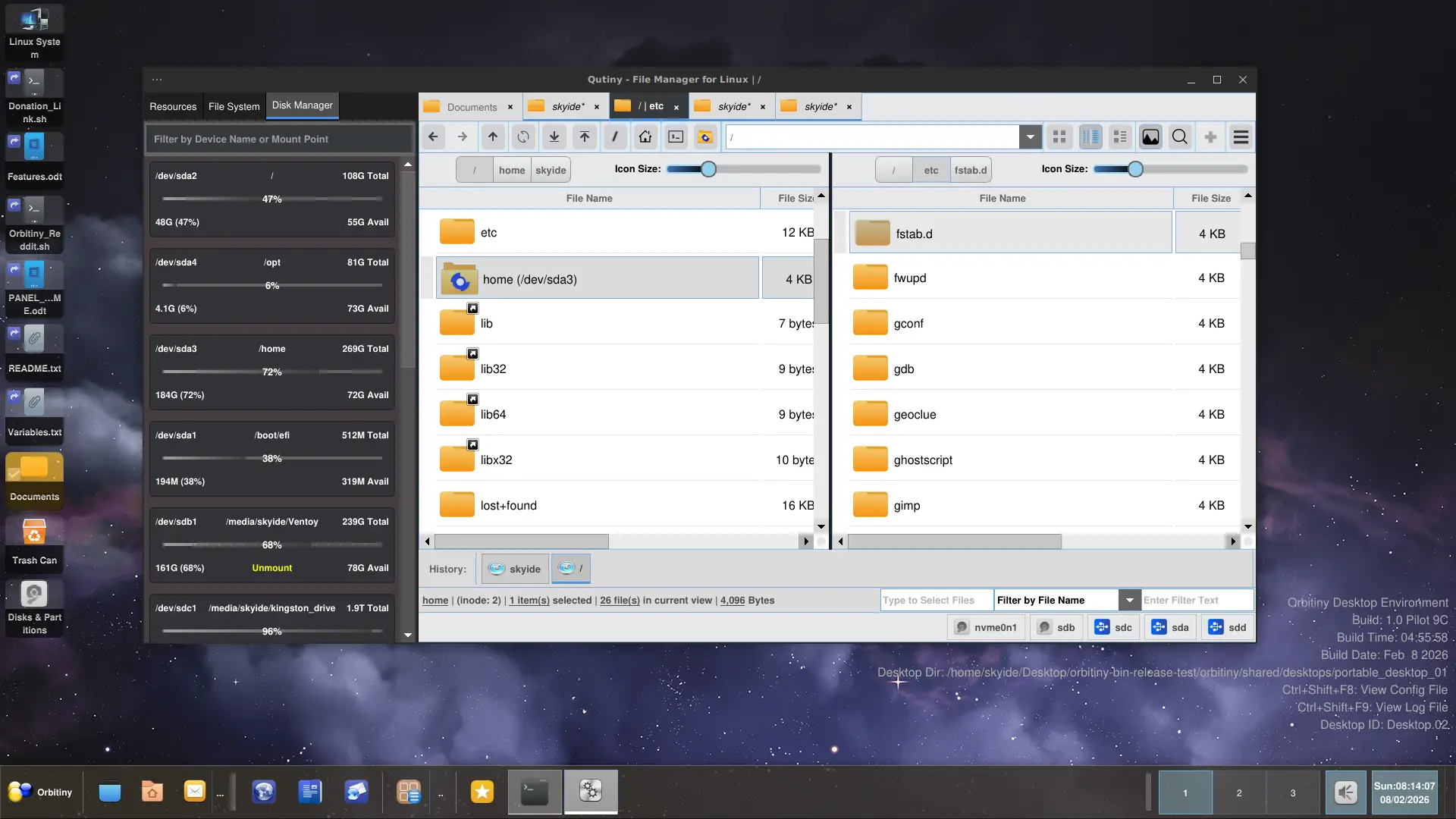
The classic default theme also went through some work.
Download info right here.